
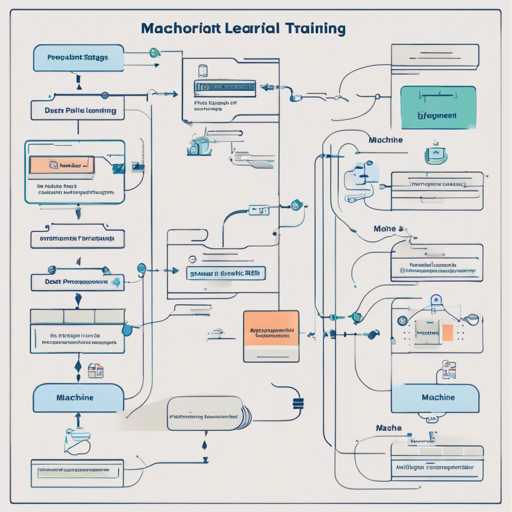
Welcome to this comprehensive guide that goes beyond the basics of machine learning. While many tutorials offer quick solutions, this tutorial provides a complete end-to-end machine learning pipeline, ensuring you grasp all essential components and decisions involved in real-world use cases.
Understanding the Learning Journey
This tutorial is designed for learners who want to create their own dataset, delve into conventional machine learning algorithms, and eventually explore deep learning technologies. It’s based on a project from a graduate class at Harvard University where innovative ideas about machine learning were shared and developed.
Setting Up Your Environment
To begin, you need to create a suitable environment for your machine learning pipeline. Here’s a step-by-step breakdown:
- Install Python: Use Python 2.7 due to compatibility issues with TensorFlow and other libraries.
- Install Conda: Download and install conda from continuum.io.
- Create Conda Environment: Utilize the provided
deeplearningproject_environment.ymlfile to set up your environment easily by running:
conda env create -f deeplearningproject_environment.ymlsource activate deeplearningprojectjupyter notebookRunning Your Jupyter Notebook
Once your environment is activated, you can navigate through your file explorer, find the appropriate notebook, and open it in your browser. To install any additional packages such as TMDB, simply use:
pip install tmdbsimpleExploring Docker for Isolation
For those who prefer a containerized solution, Docker can provide an isolated environment that ensures your project runs smoothly across different systems. To do this:
- Install Docker: Follow the installation guide available at Docker Docs.
- Run Docker-Compose: Execute the command:
docker-compose upTroubleshooting Common Issues
If you encounter issues, here are some common problems and their solutions:
- If you receive an error related to Keras version compatibility when importing models like VGG16, update Keras by using:
sudo pip install git+git://github.com/fchollet/keras.git --upgradeulimit -Sn 10000For more insights, updates, or to collaborate on AI development projects, stay connected with fxis.ai.
Final Thoughts
By following this tutorial, you’ll develop a comprehensive understanding of a full machine learning pipeline, from dataset creation to deploying your models. By documenting your learning path and problem-solving approaches, you actively contribute to the learning community and build your expertise.
At fxis.ai, we believe that such advancements are crucial for the future of AI, as they enable more comprehensive and effective solutions. Our team is continually exploring new methodologies to push the envelope in artificial intelligence, ensuring that our clients benefit from the latest technological innovations.