

Overview
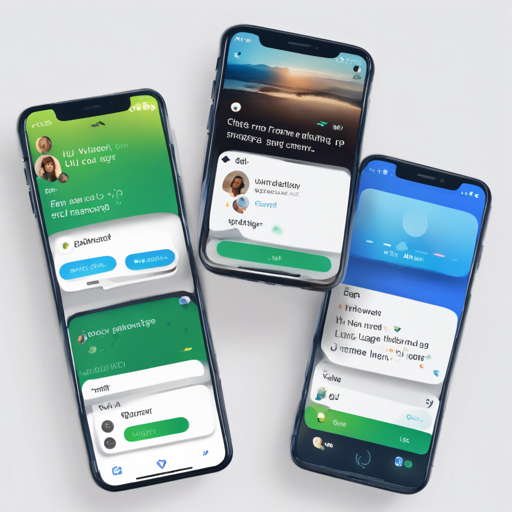
Welcome to the world of Dash Chat, a highly customizable and efficient chat user interface designed for Flutter. If you are tired of limited options and want your chat interface to resemble your unique design, you’re in the right place! With Dash Chat, you can build your chat UI faster while ensuring full customization capabilities.
How to Use Dash Chat in Your Flutter App
To incorporate the Dash Chat in your project, follow these simple steps:
- Open your
pubspec.yamlfile. - Add dash_chat as a dependency:
dependencies:
dash_chat: ^latest_version_hereflutter pub get to install the package.Features of Dash Chat
- Fully customizable components
- Copy messages to clipboard
- Multi-line TextInput
- Touchable links
- Load earlier messages
- Quick Reply messages
- Composer actions for media attachments
- Scroll to bottom widget
Setting Up Your Chat Messages
Imagine you’re setting up a café. You need a menu (your chat message) to serve the customers (the users). Each menu item (message) comes with its own description (details about the message), and the café staff (the app logic) ensures everything runs smoothly. Here’s how you can create chat messages within Dash Chat:
ChatMessage(
    text: "Hello",
    user: ChatUser(
        name: "Fayeed",
        uid: "123456789",
        avatar: "https://www.wrappixel.com/sample/admin/assets/images/users/4.jpg",
    ),
    createdAt: DateTime.now(),
    image: "http://www.sclance.com/images/picture/Picture_753248.jpg",
);
This snippet allows your café to welcome customers with friendly messages!
Parameters You Can Customize
The Dash Chat lets you configure a wide array of parameters to suit your specific needs. Some key parameters include:
- messageContainerFlex: Adjusts the flex value for the message container.
- inputDecoration: Provides input decoration styling.
- showUserAvatar: Determines whether to display user avatars.
- onSend: Defines what happens when a message is sent.
Troubleshooting Tips
While using Dash Chat, you may encounter some issues. Here are a few troubleshooting tips:
- If the chat messages do not appear, ensure that your
messageslist is properly populated. - Check to see if the Dart version is compatible with the latest version of Dash Chat.
- If performance seems slow, consider reducing the number of messages loaded at once.
For more insights, updates, or to collaborate on AI development projects, stay connected with fxis.ai.
Conclusion
With Dash Chat, you’re not just using a chat UI; you’re building a customized experience that resonates with your brand. Plus, its plethora of features allows for a tailored user experience with minimal fuss.
At fxis.ai, we believe that such advancements are crucial for the future of AI, as they enable more comprehensive and effective solutions. Our team is continually exploring new methodologies to push the envelope in artificial intelligence, ensuring that our clients benefit from the latest technological innovations.
Need Help or Have Feedback?
If you encounter any roadblocks or have suggestions for new features in Dash Chat, feel free to open an issue on their GitHub page.