
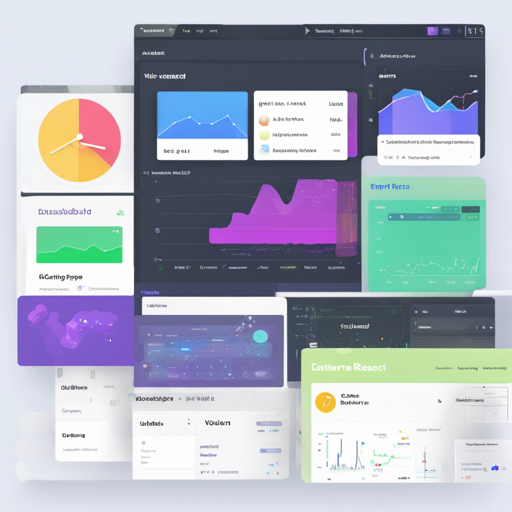
Welcome to the world of Volt React Dashboard, a powerful admin dashboard template built with React.js and the latest Bootstrap 5 framework. This blog will guide you step by step on how to utilize this incredible template to create seamless, data-driven applications.
What is Volt React Dashboard?
Volt React is a free and open-source admin dashboard template that provides over 100 UI elements, plugins, and example pages. It integrates the flexibility of React with the design prowess of Bootstrap 5, allowing you to create beautiful dashboards with ease.
Why Choose Volt React?
- Data-Driven Approach: It utilizes a data-driven methodology, enabling easy connectivity with any back-end API.
- Rich UI Components: With over 100 custom-styled React components, your dashboard will not only function well but also look great.
- Comprehensive Documentation: Extensive documentation is available to help you through every step of the process.
How to Get Started
Let’s embark on this journey of using Volt React by following these simple steps:
Step 1: Download Volt React Dashboard
You can either register and download from Themesberg or clone the repository.
Step 2: Install Dependencies
Using Yarn
- Ensure you have Yarn installed.
- Open your terminal and navigate to the main directory of Volt.
- Run the command yarn install to download all project dependencies.
- Start the application using the command yarn start.
- Visit http://localhost:3000 to view your application.
Using NPM
- Ensure you have Node.js installed (version >= 8.10).
- Navigate to the main volt-react-dashboard folder in your terminal.
- Run the command npm install to download dependencies.
- Start the application using the command npm run start.
- Access your application at http://localhost:3000.
Step 3: Build for Production
To generate production-ready files, update the homepage value in your package.json to reflect the domain where your app will be hosted. Then execute:
yarn buildor
npm run buildCode Analogy: Understanding the Structure
Think of the Volt React Dashboard as a well-organized library. Each component represents a book that contains specific information, while the library itself is structured into different sections—a few bookshelves for UI elements like buttons and forms, a reference area for documentation, and an admin desk for managing data flows.
Just as a librarian provides you with paths to find the right book quickly, the structured file organization helps you navigate your project with ease. You have:
- src/components: Your collection of functional React components.
- src/data: The place for data sources like charts and notifications.
- public: The front-facing area containing your HTML and assets.
Troubleshooting Tips
If you encounter any issues, here are some troubleshooting steps to consider:
- Ensure all dependencies are installed correctly using either Yarn or NPM.
- Double-check that your Node.js version meets the project requirements.
- If you face browser compatibility issues, ensure you are using an updated browser version.
- Refer to the online documentation for detailed guidance.
- For further assistance or to stay updated on AI developments, you can always check in at fxis.ai.
Conclusion
At fxis.ai, we believe that such advancements are crucial for the future of AI, as they enable more comprehensive and effective solutions. Our team is continually exploring new methodologies to push the envelope in artificial intelligence, ensuring that our clients benefit from the latest technological innovations.