
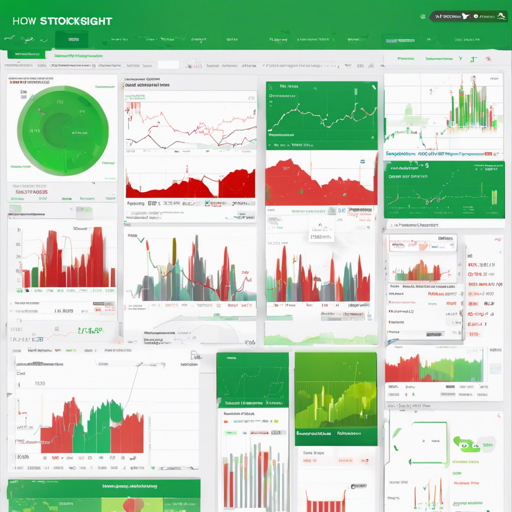
Welcome to the exciting world of stock market analysis where emotions can sway prices just as much as solid data! In this article, we’ll explore how to set up and utilize Stocksight, an open-source tool designed to analyze stock sentiments by leveraging Twitter data, news headlines, and powerful natural language processing techniques.
What You’ll Need
- Python 3.x
- Elasticsearch 5.x
- Kibana 5.x
- Python libraries: elasticsearch, nltk, requests, tweepy, beautifulsoup4, textblob, vaderSentiment, newspaper3k
Step-by-Step Installation
Getting Started with Stocksight
First things first, let’s get Stocksight up and running!
1. Clone the Repository
$ git clone https://github.com/shirosaidev/stocksight.gitThen navigate to the newly created directory:
$ cd stocksight2. Set Up Docker
Follow these steps to configure Stocksight using Docker:
- Clone the Stocksight repository with git.
- Make a copy of the sample configuration file:
cp config.py.sample config.pydocker-compose builddocker-compose up3. Enter the Docker Container
Once everything is up, enter the Stocksight container with:
docker exec -it stocksight_stocksight_1 bashLocal Installation
Alternatively, for a local setup, you’ll want to install Elasticsearch and Kibana directly on your machine.
- Install Python requirements:
- Download the NLTK data:
pip install -r requirements.txtpython -c "import nltk; nltk.download('punkt'); nltk.download('stopwords")Using Stocksight
Now that Stocksight is installed, it’s time to configure it for use!
- Create a new Twitter application to generate your credentials from Twitter Developer Portal.
- Copy config.py.sample to config.py and set Elasticsearch settings.
- Fill in your Twitter API keys in config.py.
- Adjust the NLTK tokens and specify the Twitter feeds you want to analyze.
Running Stocksight
To analyze sentiment, you can run various commands. Think of it like commanding a ship: you give it specific orders to navigate through data:
- Analyze sentiments for specific stock symbols and keywords:
$ python sentiment.py -s TSLA -k "Elon Musk,Tesla" --debug$ python stockprice.py -s TSLA --debugViewing Results in Kibana
After your data analysis is complete, you can view results in Kibana:
- Load the Stocksight index and set the time-field to date.
- Import visualizations from the export.json file into Kibana.
Troubleshooting
If you encounter any issues while setting up or running Stocksight, here are some things to check:
- Ensure all dependencies are installed correctly.
- Verify that your API keys and access tokens are valid.
- Check your Elasticsearch connection settings in config.py.
For more insights, updates, or to collaborate on AI development projects, stay connected with fxis.ai.
Final Thoughts
At fxis.ai, we believe that such advancements are crucial for the future of AI, as they enable more comprehensive and effective solutions. Our team is continually exploring new methodologies to push the envelope in artificial intelligence, ensuring that our clients benefit from the latest technological innovations.
Now, embark on your journey to uncover what Twitter and news headlines whisper about the stocks you’re curious about!