
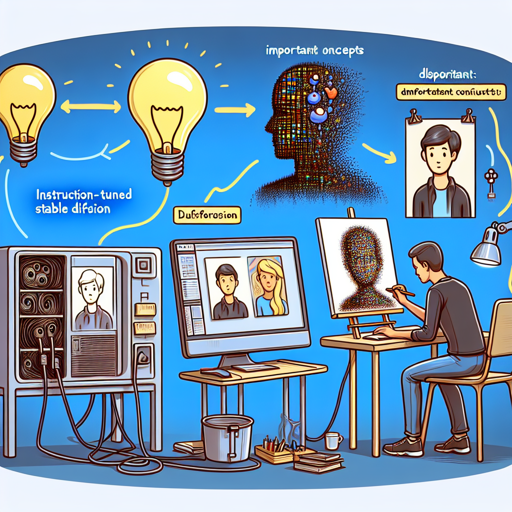
Turning your regular images into stylized cartoon versions can be a fun and creative process. In this guide, we will walk you through using an ‘instruction-tuned’ version of Stable Diffusion which specializes in cartoonization. Let’s unravel the steps together!
What is Instruction-Tuned Stable Diffusion?
Instruction-Tuned Stable Diffusion is a machine learning model that can transform images according to specific instructions. Imagine having a digital artist who not only follows your commands but also understands the nuances of art. That’s what this model aims to achieve!
The Cartoonization Pipeline
This pipeline utilizes a training method inspired by two major concepts: FLAN and InstructPix2Pix. Just like a chef who perfects a recipe by refining their technique based on feedback, this model has learned from vast datasets to excel at image transformation tasks.
Step-by-Step Instructions to Cartoonize an Image
Follow these simple steps to get started:
- Install the necessary libraries by running pip install diffusers torch in your terminal.
- Use the following Python code to load the model and cartoonize your image:
import torch
from diffusers import StableDiffusionInstructPix2PixPipeline
from diffusers.utils import load_image

model_id = "instruction-tuning-sd/cartoonizer"
pipeline = StableDiffusionInstructPix2PixPipeline.from_pretrained(model_id, torch_dtype=torch.float16, use_auth_token=True).to("cuda")

image_path = "https://hf.co/datasets/diffusers/diffusers-images-docs/resolve/main/mountain.png"
image = load_image(image_path)
image = pipeline("Cartoonize the following image", image=image).images[0]
image.save("image.png")
Understanding the Code: An Analogy
Think of the pipeline as a talented artist, and each part of the code as various stages in the artistic process:
- Loading the model: Imagine calling up your artist friend who specializes in cartoon art—you’re just letting them know you’re about to share an image.
- Loading the image: You send your artist a clear picture of what you want cartoonized, ensuring they have a ‘canvas’ to work from.
- Applying the cartoonization: Your friend, upon seeing the image, uses their skills and creative judgment to transform it into an eye-catching cartoon character.
- Saving the result: Finally, your artist hands over the completed artwork to you, ready to be showcased!
Troubleshooting Tips
If you encounter any issues along the way, consider the following:
- Ensure all libraries are installed correctly. You can try reinstalling using pip install –upgrade diffusers torch.
- Check if your GPU drivers are up-to-date, as this model requires CUDA.
- If you receive errors related to ‘auth token’, ensure you have followed the setup procedure for accessing Hugging Face resources.
- For specific model limitations, refer to the model card here.
For more insights, updates, or to collaborate on AI development projects, stay connected with fxis.ai.
Concluding Thoughts
At fxis.ai, we believe that such advancements are crucial for the future of AI, as they enable more comprehensive and effective solutions. Our team is continually exploring new methodologies to push the envelope in artificial intelligence, ensuring that our clients benefit from the latest technological innovations.
Now, gather up your images and let the cartoonization adventure begin!