
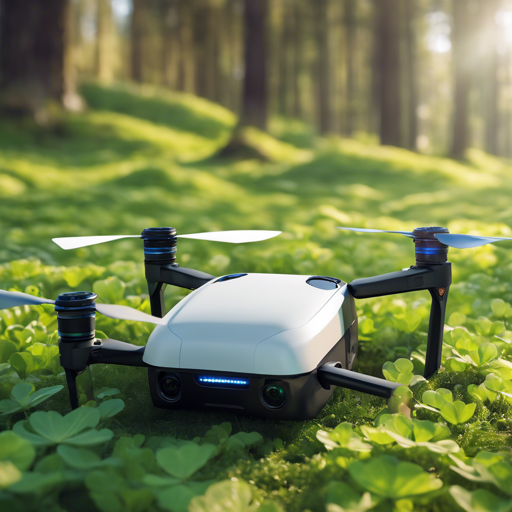
Ever dreamt of sending a drone soaring through the skies with minimal hassle? With Clover, the open-source ROS-based framework, you can turn that dream into reality! Clover is designed to provide user-friendly tools that let you control drones powered by PX4, making it suitable for both beginners and seasoned enthusiasts.
What You Need to Get Started
- A Raspberry Pi 4
- A preconfigured Clover image for Raspberry Pi
- COEX Clover Drone kit (unassembled, includes autopilot, camera, and sensors)
- Stable power source (batteries included)
Steps to Launch Your Own Autonomous Drone
Follow these simple steps to get your Clover drone up and running:
1. Assemble the Drone Kit
Unbox your COEX Clover Drone kit and carefully assemble all the parts according to the included instructions. Make sure that the autopilot and sensors are properly connected.
2. Install Raspberry Pi
Install your Raspberry Pi 4 on the drone platform. This will serve as a companion computer for effective flight control.
3. Flash the Clover Image
Download the preconfigured Raspberry Pi image for Clover from the Releases section. Once downloaded, flash the image onto your microSD card using a reliable tool like Balena Etcher.
4. Boot Up and Connect
Insert the flashed microSD card into the Raspberry Pi, connect it to a power source, and switch it on. Your drone should boot up and be ready to connect to Wi-Fi!
5. Launch the Drone
With everything set, you can now take your Clover drone for a test flight. Use the provided controls to navigate and explore the skies!
Understanding the Code: An Analogy
Imagine your autonomous drone is like a car. The Raspberry Pi is the driver, making decisions based on the environment it perceives. The Clover software is akin to the vehicle’s navigation and control system, telling the car how to steer based on the driver’s commands. The beautiful part? Just as a driver can learn with experience, your drone can gain insights from its flying, adjusting its routes and learning to navigate better with each outing.
Troubleshooting Tips
If you encounter issues while setting up or flying your drone, consider the following troubleshooting tips:
- Ensure that the Raspberry Pi is correctly mounted and powered.
- Double-check all connections within the drone kit.
- Verify that the flashed image is compatible with your Raspberry Pi model.
- Check for and resolve any Wi-Fi connectivity issues.
For further assistance or insights, you can learn more by visiting the official documentation at Clover Documentation. For more insights, updates, or to collaborate on AI development projects, stay connected with fxis.ai.
At fxis.ai, we believe that such advancements are crucial for the future of AI, as they enable more comprehensive and effective solutions. Our team is continually exploring new methodologies to push the envelope in artificial intelligence, ensuring that our clients benefit from the latest technological innovations.