
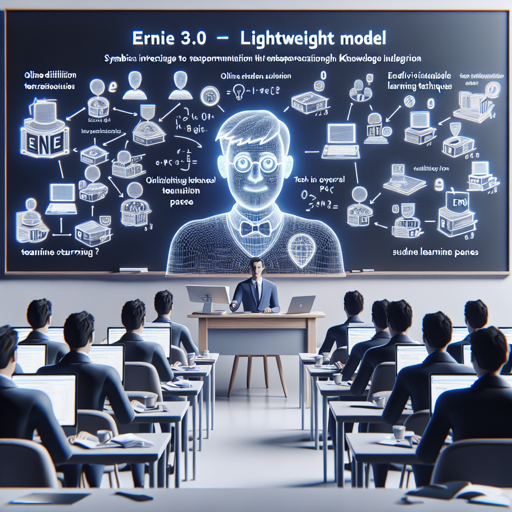
Welcome to the world of advanced AI with ERNIE 3.0, a state-of-the-art lightweight model built on the foundation of the ERNIE (Enhanced Representation through kNowledge Integration) architecture. This model not only optimizes performance but also offers remarkable efficiency for various natural language processing tasks. In this guide, we will walk through its integration, fine-tuning, model compression, and deployment in a user-friendly manner.
Model Overview
ERNIE 3.0 has been designed employing online distillation techniques, which enable the model to transmit knowledge signals to multiple student models during the training phase. This drastically reduces computational demands compared to traditional distillation methods. Think of it as a teacher helping students learn at different paces by creating tailored content for each student’s learning speed, ensuring everyone understands the core material effectively.
How to Fine-tune ERNIE 3.0
Fine-tuning ERNIE 3.0 on your downstream tasks is as simple as a single line of code using PaddleNLP:
from paddlenlp.transformers import AutoTokenizer, AutoModelForSequenceClassification
tokenizer = AutoTokenizer.from_pretrained("ernie-3.0-medium-zh")
seq_cls_model = AutoModelForSequenceClassification.from_pretrained("ernie-3.0-medium-zh")
Once you have imported the necessary components, you can initiate training with your custom dataset using provided script guidelines.
Model Compression Techniques
For deploying models efficiently, you may need to compress them. ERNIE 3.0 supports model compression through a simple API call, facilitating quick deployment even for models requiring intricate calculations. Here’s a brief overview of the compression API usage:
trainer = Trainer(model=model, args=training_args)
output_dir = "compressed_model"
compress_config = CompressConfig(quantization_config=PTQConfig([
    hist, mse], batch_size_list=[4, 8, 16]))
trainer.compress(output_dir, pruning=True, quantization=True, compress_config=compress_config)
This API simplifies the process of reducing model size while maintaining accuracy, enabling efficient inference and deployment.
Deployment Scenarios
ERNIE 3.0 offers multiple deployment strategies tailored to various requirements:
- Python Deployment Guide
- Triton Inference Server Deployment Guide
- Paddle Serving Deployment Guide
- ONNX Export and Runtime Deployment Guide
Performance Testing
Testing is crucial to highlight the efficiency and accuracy of compressed models. ERNIE 3.0 shows remarkable performance results across different metrics:
Model         | AVG   | AFQMC   | TNEWS  | IFLYTEK  | CMNLI
--------------------------------------------------------------------
ERNIE 3.0-Medium | 74.87 | 75.35   | 57.45  | 60.18  | 81.16
--------------------------------------------------------------------
This table illustrates ERNIE 3.0’s ability to maintain strong performance metrics even after compression.
Troubleshooting Tips
If you encounter issues while using ERNIE 3.0, consider the following troubleshooting ideas:
- Ensure you have the correct dependencies installed, such as paddleslim.
- For performance differences, verify the processing environment’s GPU/CPU configurations.
- Refer to the documentation for deployment details to ensure compatibility.
For more insights, updates, or to collaborate on AI development projects, stay connected with fxis.ai.
Conclusion
At fxis.ai, we believe that such advancements are crucial for the future of AI, as they enable more comprehensive and effective solutions. Our team is continually exploring new methodologies to push the envelope in artificial intelligence, ensuring that our clients benefit from the latest technological innovations.