
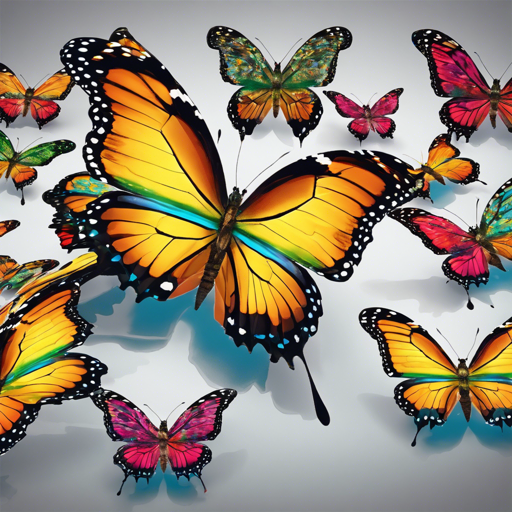
Have you ever wanted to create stunning images of butterflies using artificial intelligence? You’re in luck! In this article, we’ll dive into using a diffusion model for unconditional image generation, specifically trained on the Ceyda Smithsonian butterflies. Armed with your programming tools and a bit of creativity, you will be able to generate beautiful butterfly images in no time!
What You Need
- Python installed on your computer
- PyTorch library
- Diffusers package
- Access to the pre-trained model: Apocalypse-19ceyda-butterflies-64
Step-by-Step Guide to Generating Butterfly Images
1. Set Up Your Environment
First, ensure that you have Python, PyTorch, and the Diffusers package installed. If you haven’t installed them yet, you can use pip:
pip install torch diffusers2. Load the Pre-Trained Model
Once you have your environment ready, it’s time to load the pre-trained model. Run the following code to import the necessary packages and load the model. We’ll refer to our butterfly model as the DDPMPipeline.
from diffusers import DDPMPipeline

pipeline = DDPMPipeline.from_pretrained("Apocalypse-19ceyda-butterflies-64")
3. Generate an Image
With the model loaded, you can now generate an image of a butterfly using just one line of code:
image = pipeline().images[0]Finally, display the image:
imageUnderstanding the Code: An Analogy
Imagine you’re a painter preparing to create a masterpiece of a butterfly. First, you gather your tools (the Python environment, libraries, and packages). Next, you select a reference photo of a butterfly from the butterflies of the Ceyda collection (loading the pre-trained model). With the canvas set up, you start the process of painting (generating the image) with just a stroke (the single line of code). Finally, you take a step back to admire the beauty of what you’ve created! The entire process is seamless and allows you to produce wonderful artwork with minimal effort.
Troubleshooting Tips
If you encounter issues during any of the steps, consider the following troubleshooting ideas:
- ImportError: Ensure that all necessary packages are installed correctly. Check your installed version of libraries.
- Model not found: Verify that you are using the correct model name and that the model is available on the Diffusers repository.
- Image not displaying: Check you are running in an environment where image rendering is supported, such as Jupyter Notebook or an appropriate IDE.
For more insights, updates, or to collaborate on AI development projects, stay connected with fxis.ai.
Conclusion
And there you have it! By following these steps, you’ve just harnessed the power of diffusion models to generate beautiful butterfly images. At fxis.ai, we believe that such advancements are crucial for the future of AI, as they enable more comprehensive and effective solutions. Our team is continually exploring new methodologies to push the envelope in artificial intelligence, ensuring that our clients benefit from the latest technological innovations.
Happy Generating!
Go ahead and experiment with different images and settings. With a bit of practice, you’ll soon be generating all sorts of stunning butterfly images. Enjoy your journey into the world of AI-generated art!