
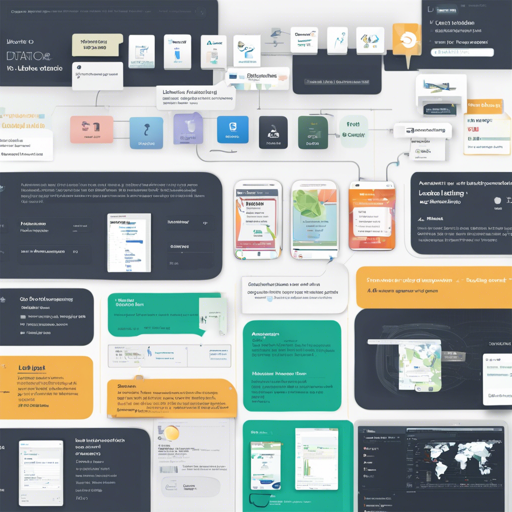
Label Studio is an open-source data labeling solution designed to help you annotate data types like audio, text, images, videos, and time series. Its straightforward UI makes it easy to prepare raw data or improve existing training data for more accurate machine learning models.
1. Try out Label Studio
You have multiple options to get started with Label Studio, whether you want to install it locally or deploy it on a cloud instance. Here’s how to do it:
- Install locally with Docker
- Run with Docker Compose
- Install locally with pip
- Install locally with Poetry
- Install locally with Anaconda
- Deploy in a cloud instance
Install locally with Docker
To run Label Studio in Docker, simply pull the official image:
docker pull heartexlabs/label-studio:latest
docker run -it -p 8080:8080 -v $(pwd)/mydata:/label-studio/data heartexlabs/label-studio:latest
You can access Label Studio at http://localhost:8080.
Run with Docker Compose
Using Docker Compose will set up a production-ready stack with Nginx and PostgreSQL:
docker-compose upTo run the application, open your browser at http://localhost.
Install locally with pip
If you prefer using Python’s package manager, you can install Label Studio via pip:
pip install label-studio
label-studio
2. What You Get from Label Studio
Label Studio is packed with features that enhance your data labeling experience, such as:
- Multi-user labeling capabilities.
- Support for multiple projects.
- Streamlined user interface.
- Customizable label formats.
- Support for various data types (images, audio, text, etc.).
- Integration with cloud storage.
- Connectable to machine learning models for pre-labeling.
3. Included Templates for Labeling Data
Label Studio contains a diverse set of templates for different use cases, enabling you to label your data efficiently.
4. Set Up Machine Learning Models with Label Studio
To integrate your favorite ML model:
- Start your ML backend server.
- Connect Label Studio to the server in the project settings.
5. Troubleshooting Tips
If you encounter any issues while setting up Label Studio or have questions regarding its features, consider the following troubleshooting tips:
- Double-check the Docker image name if you face installation errors.
- Ensure your Docker service is running correctly.
- Refer to the detailed documentation available at Label Studio Docs.
- If using pip, make sure you have the correct version of Python installed.
- For localized issues, you can look for community support on Slack or Twitter.
For more insights, updates, or to collaborate on AI development projects, stay connected with fxis.ai.
Final Thoughts
At fxis.ai, we believe that such advancements are crucial for the future of AI, as they enable more comprehensive and effective solutions. Our team is continually exploring new methodologies to push the envelope in artificial intelligence, ensuring that our clients benefit from the latest technological innovations.