
Welcome to your guide to effectively utilize the Qwen2-72B-Instruct language model! With its extensive range of capabilities and impressive size, this model is designed to handle various natural language tasks. Let’s explore how to make the most of this powerful tool.
Understanding Qwen2-72B-Instruct
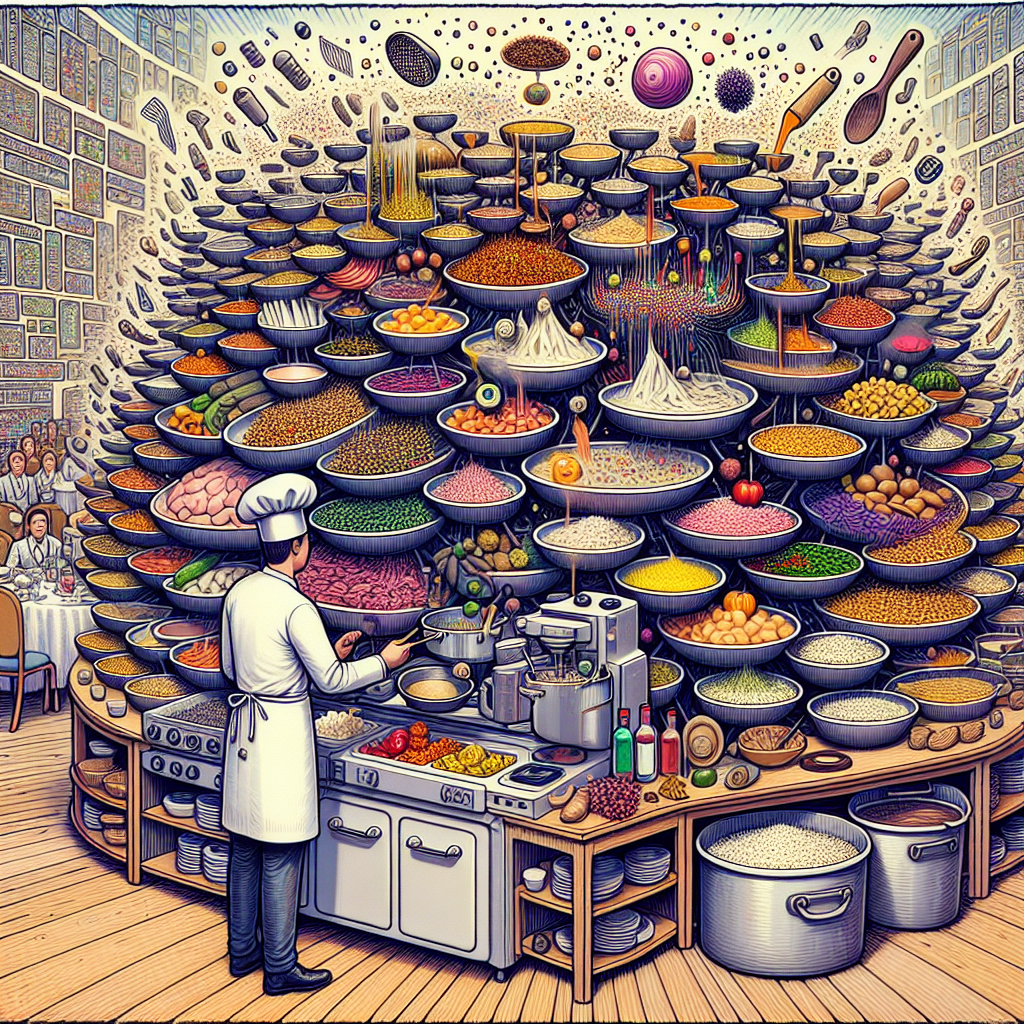
Picture Qwen2-72B-Instruct as a highly skilled multilingual chef in a sprawling kitchen filled with diverse recipes (text). This chef can whip up gourmet dishes (language outputs) with various ingredients (data inputs) and is even capable of preparing meals in several languages at once. With the ability to manage over 131,000 tokens—a feast compared to typical language models—this chef is exceptionally prepared to handle even the most extravagant dinner parties (extensive text inputs) without breaking a sweat.
Quickstart Guide
Let’s roll up our sleeves and get started! Below is a simple example code snippet to help you load the tokenizer and model, and generate some content.
from transformers import AutoModelForCausalLM, AutoTokenizer

device = "cuda"  # the device to load the model onto
model = AutoModelForCausalLM.from_pretrained(
    "Qwen/Qwen2-72B-Instruct",
    torch_dtype="auto",
    device_map="auto"
)
tokenizer = AutoTokenizer.from_pretrained("Qwen/Qwen2-72B-Instruct")

prompt = "Give me a short introduction to large language model."
messages = [
    {"role": "system", "content": "You are a helpful assistant."},
    {"role": "user", "content": prompt}
]

text = tokenizer.apply_chat_template(
    messages,
    tokenize=False,
    add_generation_prompt=True
)

model_inputs = tokenizer([text], return_tensors="pt").to(device)

generated_ids = model.generate(
    model_inputs.input_ids,
    max_new_tokens=512
)

generated_ids = [
    output_ids[len(input_ids):] for input_ids, output_ids in zip(model_inputs.input_ids, generated_ids)
]
response = tokenizer.batch_decode(generated_ids, skip_special_tokens=True)[0]
Breaking Down the Code
Let’s break down our culinary masterpiece with an analogy of a restaurant operation:
– Loading Ingredients: In the beginning, we load our model and tokenizer; think of this as gathering all your ingredients (data) and tools (functions) ready for cooking.
– Setting the Table: The prompt and messages create the context for our dish, much like arranging your dining table to create a welcoming atmosphere for your guests.
– Cooking: The model processes the data, akin to our chef expertly mixing ingredients based on the recipe.
– Serving: Finally, we get the generated output, which is like presenting a beautifully plated dish for the guests to enjoy.
Processing Long Texts
Handling lengthy inputs can seem daunting, but don’t worry, Qwen2 has a plan! To accommodate inputs that exceed 32,768 tokens, you can utilize YARN, a special technique that enhances the model’s ability to deal with long texts.
Here’s how to set it up:
1. Install vLLM:
Install the necessary library with the following command:
“`bash
pip install “vllm>=0.4.3”
“`
2. Configure Model Settings:
Edit the `config.json` file to incorporate YARN settings for better performance on lengthy texts:
“`json
{
“architectures”: [
“Qwen2ForCausalLM”
],
“vocab_size”: 152064,
“rope_scaling”: {
“factor”: 4.0,
“original_max_position_embeddings”: 32768,
“type”: “yarn”
}
}
“`
3. Model Deployment:
Utilize vLLM to deploy your model. For example, to set up a server, you can run:
“`bash
python -m vllm.entrypoints.openai.api_server –served-model-name Qwen2-72B-Instruct –model path/to/weights
“`
Then, use the Chat API to interact with your model.
Troubleshooting
While using Qwen2, you might encounter some issues. Here are a few common pitfalls and how to navigate them:
– KeyError for ‘qwen2’: Ensure you have installed the required version of `transformers`. You can do this via:
“`bash
pip install transformers>=4.37.0
“`
– Performance Issues with Long Inputs: If you notice poor performance on shorter texts when `rope_scaling` is enabled, try removing it if long context processing isn’t necessary.
For more troubleshooting questions/issues, contact our fxis.ai data scientist expert team.
Conclusion
With Qwen2-72B-Instruct, you’re equipped to tackle complex language tasks with ease. Whether summarizing lengthy articles, coding, or multilingual communication, this model is here to help. Enjoy your culinary journey in the world of language models!
Remember, every great chef needs practice—keep experimenting, and who knows what dishes you might create!