
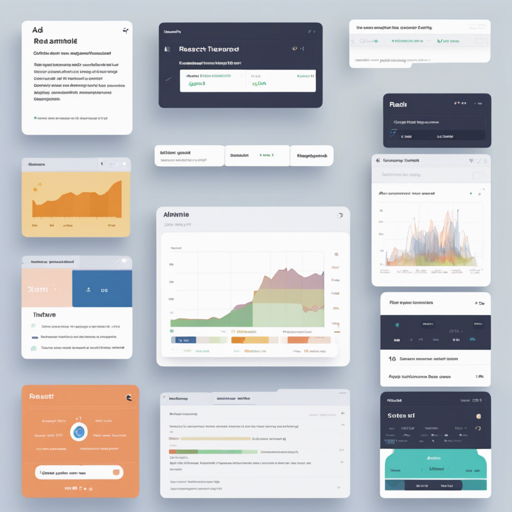
If you’re looking to kickstart your next project with a simple yet powerful admin template in React, you’re in the right place! The Simple React Admin Template offers a lightweight foundation that includes just the essential core functionalities. This guide will walk you through the steps to get started and troubleshoot any issues you might encounter along the way.
Features of the Simple React Admin Template
- Built with React (without jQuery)
- TypeScript support
- Utilizes React Hooks
- State management with Redux
- Responsive design, optimized for mobile devices
- Integration with React Router for navigation
- Styled with Bootstrap 4
- Well-structured layout and easy authentication process
- Completely free to use
Quick Start Guide
Follow these steps to set up your new React Admin project:
Step 1: Clone the Repository
First, open your terminal and execute the following command:
$ git clone https://github.com/delprzemo/react-admin-template.git React-Admin-TemplateThis command downloads the latest version of the template.
Step 2: Install Dependencies
Navigate into your project directory:
$ cd React-Admin-TemplateThen, run the following command to install all the required dependencies:
$ npm installThis will prepare your environment to handle the template’s functionalities.
Step 3: Run the Application
Start the development server with:
$ npm run startYour application will be up and running at http://localhost:3000. Open your browser to see it in action!
Step 4: Build for Production
Once you’re ready to deploy, build the production version of your app with:
$ npm run buildThis will create an optimized build in a folder ready for deployment.
Troubleshooting Common Issues
- If you encounter issues while running `npm install`, make sure you have the latest version of Node.js and npm installed.
- For problems starting the application, check if another service is using port 3000. You can change the port in your start script if needed.
- If the application doesn’t load properly, ensure all your dependencies have been installed without errors.
For more insights, updates, or to collaborate on AI development projects, stay connected with fxis.ai.
Conclusion
The Simple React Admin Template provides a clean and efficient starting point for your React projects. By following the steps outlined above, you can quickly set up the template and begin customizing it for your needs. Don’t hesitate to contribute to the template or explore further if you’re interested in enhancing it!
At fxis.ai, we believe that such advancements are crucial for the future of AI, as they enable more comprehensive and effective solutions. Our team is continually exploring new methodologies to push the envelope in artificial intelligence, ensuring that our clients benefit from the latest technological innovations.