
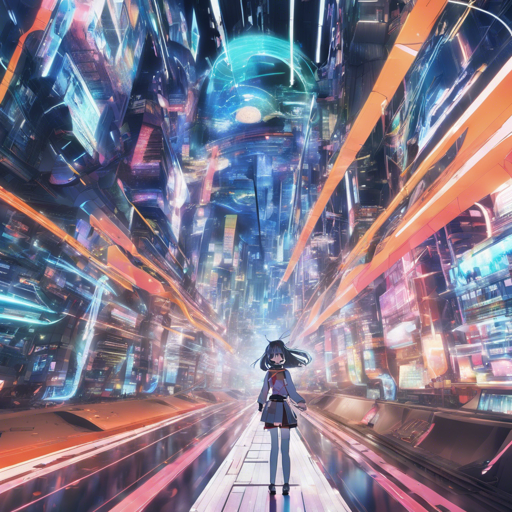
If you’re looking to create stunning anime-inspired images using cutting-edge technology, you’ve landed in the right place! Today, we’re diving deep into how to use the Fluently Anime model, a robust tool designed for generating anime and comic book art. Let’s break down everything you need to know for a seamless experience.
Getting Started with Fluently Anime
Setting up the Fluently Anime model is a straightforward process that can ignite your creativity right away! Here’s a step-by-step guide:
- Install the Model: Begin by installing the Fluently Anime model in your preferred environment.
- Launch AUTOMATIC1111: Start the AUTOMATIC1111 platform to access the model’s capabilities.
- Select the Checkpoint: Choose the Fluently model checkpoint to initiate the image generation.
- Generate Images: Hit the generate button and watch your imagination take shape!
Understanding Optimal Parameters
To get the most out of this model, you can tweak some parameters for optimal results. Think of parameters as the knobs on a musical instrument, allowing you to adjust the tune to your liking!
- Steps: 20-30
- Sampler: DPM++ 2M Karras Euler A
- CFG Scale: 5-7
- CLIP Skip: Set to 1
- Negative Prompt: Generally unnecessary
The Anatomy of Fluently Anime
Imagine a chef creating a gourmet dish; they combine different ingredients (or models, in this case) to craft a masterpiece. The Fluently model blends various checkpoints and Loras to enhance creativity and output quality:
- Models Merged:
- Juggernaut Final
- Deliberate V2
- RPG
- Realistic Vision V1.3
- DreamDrop V1
- And more…
- Loras Included:
- LowRA V2
- Intricate Details
- Detail Slider
- Xeno Detailer
- And more…
Troubleshooting Tips
While using the Fluently Anime model can be a joyful experience, some common hiccups may arise. Here are some troubleshooting ideas:
- Image Quality Issues: Ensure that you’re using optimal parameters for generating high-quality images.
- Model Not Generating: Double-check that the model installation was successful and that you’ve selected the correct checkpoint.
- No Results from Prompts: Experiment with your prompts. Sometimes, slight variations can yield better results.
For more insights, updates, or to collaborate on AI development projects, stay connected with fxis.ai.
In case you encounter any unique issues not covered here, don’t hesitate to consult the community or FAQs related to the Fluently model.
Conclusion
In summary, the Fluently Anime model is a powerful tool for artists and enthusiasts alike. With the right setup and parameter adjustments, you can unleash your creativity and produce breathtaking anime art. At fxis.ai, we believe that such advancements are crucial for the future of AI, as they enable more comprehensive and effective solutions. Our team is continually exploring new methodologies to push the envelope in artificial intelligence, ensuring that our clients benefit from the latest technological innovations.
Happy creating with Fluently Anime!