
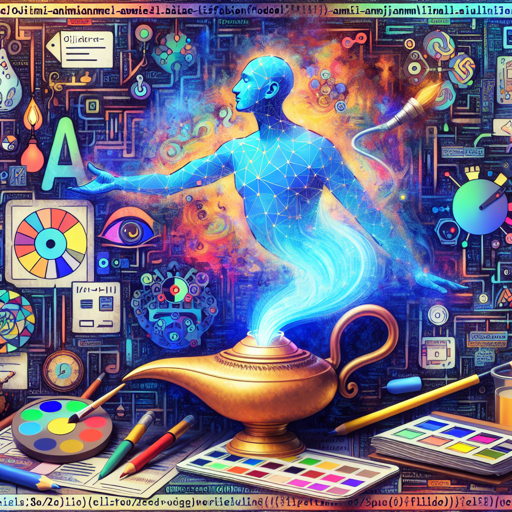
Welcome to the creative realm of AI-generated art! In this blog, we share with you how to interact with the Ojimianime-kawai-diffusion model, a free and open AI art model designed to spark your creativity. Whether you’re an amateur or a seasoned artist, this guide will help you seamlessly navigate its features and unleash your imagination.
Getting Started
First, let’s clear the air about what the Ojimianime-kawai-diffusion model is. Think of it as an artistic genie in a lamp: you make a wish (or provide a prompt), and this AI model brings your artistic vision to life. However, just like any powerful tool, it requires a bit of finesse to get the best results.
Installation
To use the model, you’ll need to begin with Python and the necessary library. Here’s how you can install it:
from diffusers import DiffusionPipelineCreating Your First Artwork
Now, let’s unleash the magic! To create an image, follow these steps:
- Initialize the pipeline:
pipe = DiffusionPipeline.from_pretrained('Ojimianime-kawai-diffusion')pipe = pipe.to('cuda')prompt = '1girl, animal ears, long hair, solo, cat ears, choker, bare shoulders, red eyes, fang, looking at viewer'image = pipe(prompt, negative_prompt='lowres, bad anatomy').images[0]Think of this process as planting a seed in a garden. You set the environment and conditions, and soon, you will see a beautiful flower bloom in the form of your artwork!
Tips for Best Results
- If the initial creation seems off, consider using additional tags like “masterpiece” or “best quality” sparingly. Sometimes less is more!
- For optimal quality, set the CFG scale to 7.5 and the step count to 28 to achieve the best performance.
- Utilize a sample photo for inspiration and adjust your prompts based on your findings.
- Remember: this tool is a support system for creating art. Trust your instincts and creativity over the AI’s suggestions.
- Set the Clip skip to 2 for enhanced processing.
Limitations to Consider
Even though the Ojimianime-kawai-diffusion model offers impressive results, keep in mind its limitations:
- The designs may appear hard-edged rather than soft and nuanced.
- You might encounter details that don’t quite hit the mark, like odd hand formations or unclear imagery.
- As this model incorporates various data, some generated content might not be suitable for all audiences. Applying nsfw to negative prompts can help filter this.
- The model primarily supports English input, so for other languages, consider utilizing translation tools.
Troubleshooting
If you face challenges while using the model, here are some handy troubleshooting tips:
- Check for any misconfiguration in your prompt crafting. Altering certain tags might yield better results.
- Ensure your CUDA setup is functioning correctly; GPU utilization is crucial for performance.
- Consider changing your prompt slightly to see the diversity in results; the AI might surprise you!
For more insights, updates, or to collaborate on AI development projects, stay connected with fxis.ai.
Final Thoughts
As you explore the Ojimianime-kawai-diffusion model, remember that art is a balance between intention and spontaneity. The AI can be a fantastic collaborator, but your unique touch is what will truly elevate your creations.
At fxis.ai, we believe that such advancements are crucial for the future of AI, as they enable more comprehensive and effective solutions. Our team is continually exploring new methodologies to push the envelope in artificial intelligence, ensuring that our clients benefit from the latest technological innovations.
So, dive in, experiment, and have fun with your creative journey! (●◡●)