
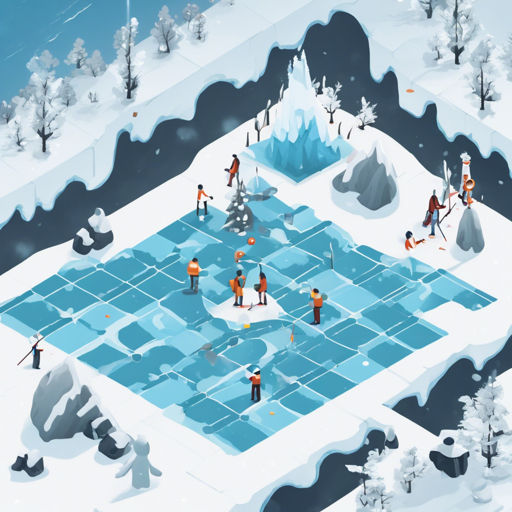
Welcome to the world of reinforcement learning, where machines learn through interactions! In this article, we will explore how to utilize a Q-Learning agent playing the FrozenLake-v1 environment. This simple yet effective implementation will help you grasp the core concepts of reinforcement learning.
What is Q-Learning?
Q-Learning is a model-free reinforcement learning algorithm that enables agents to learn optimal policies through trial and error. Imagine it as a child learning to navigate a maze: they gain knowledge about the best paths to take based on their experiences and the outcomes of their choices. In this case, the maze is the FrozenLake environment, and the child is our Q-Learning agent.
Setting Up Your Environment
To get started, ensure you have Python installed along with the necessary libraries. This includes the gym library for building the environment and the required reinforcement learning packages.
Usage Instructions
Follow these steps to implement your Q-Learning agent:
- Step 1: Load the model from the repository. Make sure to replace
wanxiangche/q-FrozenLake-v1-4x4-noSlipperywith the actual repository ID if necessary. - Step 2: Initialize the environment you want to work with.
Here’s the code snippet for implementation:
python
model = load_from_hub(repo_id="wanxiangche/q-FrozenLake-v1-4x4-noSlippery", filename="q-learning.pkl")
# Don't forget to check for additional parameters (is_slippery=False, etc.)
env = gym.make(model[env_id])
Understanding the Code
Let’s break down the code step-by-step:
- 1.
load_from_hub: Think of this as ordering your favorite item online. Here, we are fetching the pre-trained model (representative of our child who has learned the maze) to use in the FrozenLake environment. - 2.
env = gym.make: This line creates our environment where our agent will operate. It’s like setting up the maze for our child to navigate.
The parameter is_slippery=False indicates that the FrozenLake environment is deterministic, which simplifies the learning process, akin to making a straight path in a maze without any slides or twists.
Troubleshooting Common Issues
While implementing, you might encounter some hurdles. Here are some troubleshooting tips:
- Issue 1: Model not loading or giving errors related to repository ID.
- Solution: Ensure that the repository ID is correctly specified and is accessible. Double-check any necessary attributes.
- Issue 2: Environment not found.
- Solution: Verify that the gym library is installed. You can install it using
pip install gym. - Issue 3: Unexpected rewards or performance.
- Solution: This could be due to the environment settings. Make sure you have correctly configured the parameters of your FrozenLake environment, including checking for slippery conditions.
For more insights, updates, or to collaborate on AI development projects, stay connected with fxis.ai.
Conclusion
Congratulations! You have successfully set up a Q-Learning agent for the FrozenLake-v1 environment. Remember, reinforcement learning is all about experimentation and learning from experiences much like a child navigating through various challenges.
At fxis.ai, we believe that such advancements are crucial for the future of AI, as they enable more comprehensive and effective solutions. Our team is continually exploring new methodologies to push the envelope in artificial intelligence, ensuring that our clients benefit from the latest technological innovations.