
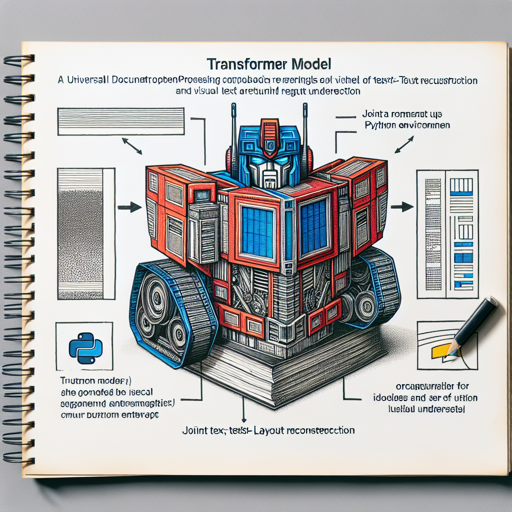
Welcome to a new era of document processing technology! In this blog, we’ll explore the steps to set up and run the innovative Universal Document Processing (UDOP) system that unifies vision, text, and layout. Get ready to dive into the world where machines can understand documents as humans do!
Introduction to UDOP
UDOP utilizes a special Transformer model that integrates various tasks: vision, text, and layout. This allows for tasks such as joint text-layout reconstruction and visual text recognition, making it a robust solution for universal document processing.
Setup Instructions
Follow these user-friendly steps to get started with your UDOP setup:
1. Python Environment Setup
- First, create a new Python environment. This keeps your project dependencies organized and isolated.
conda create -n UDOP python=3.82. Install Dependencies
- Next, you’ll need to install all the required libraries. Simply run the following command in your terminal.
pip install -r requirements.txt3. Run Scripts
Switch model type based on your specific requirements:
--model_type UdopDual--model_type UdopUnimodel4. Finetuning the Model
To finetune the model on specific benchmarks like RVLCDIP, you will need to download the dataset first and edit the path accordingly.
bash scripts/finetune_rvlcdip.shFinetuning on DUE Benchmark
- Download the Duebenchmark and preprocess the data as described.
- Run the training code:
bash scripts/finetune_duebenchmark.shUnderstanding the Code with an Analogy
Imagine you’re a chef preparing a complex dish that requires multiple ingredients (vision, text, and layout). Each step of your cooking process corresponds to the various tasks in UDOP:
- Ingredient Selection: Choosing the right model type (e.g.,
UdopDualorUdopUnimodel) based on the flavor you want to achieve. - Prepping the Ingredients: Finetuning on RVLCDIP is like marinating raw ingredients—preparing them to bring out the best flavors.
- Cooking: Running the scripts is akin to setting the right temperature and timing in the oven, ensuring everything comes together perfectly.
- Taste Testing: Evaluating the output generation through Duebenchmark is like tasting your dish to check if the flavors are just right!
Troubleshooting Tips
If you encounter any issues during the installation or implementation, here are some tips to help you out:
- Environment Issues: Ensure your Python version and dependencies match those specified in the requirements.
- Finetuning Errors: Double-check the paths for the datasets. A simple typo can lead to files not found error.
- Model Loading Problems: Verify that the necessary model checkpoints are correctly downloaded from Huggingface Hub.
- If issues persist, consult community resources or forums for additional guidance.
For more insights, updates, or to collaborate on AI development projects, stay connected with fxis.ai.
Conclusion
At fxis.ai, we believe that such advancements are crucial for the future of AI, as they enable more comprehensive and effective solutions. Our team is continually exploring new methodologies to push the envelope in artificial intelligence, ensuring that our clients benefit from the latest technological innovations.