
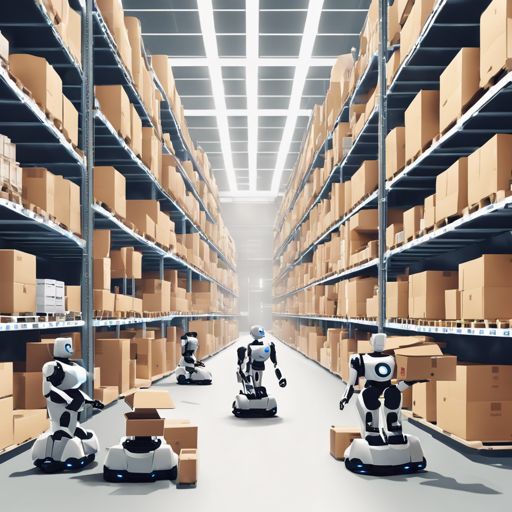
Welcome to the fascinating world of multi-agent reinforcement learning! In this guide, we’ll walk you through how to set up and interact with the Multi-Robot Warehouse (RWARE) environment, an innovative simulation where robots move and deliver requested goods within a warehouse. Let’s dive right in!
Table of Contents
- Environment Description
- What does it look like?
- Action Space
- Observation Space
- Dynamics: Collisions
- Rewards
- Environment Parameters
- Naming Scheme
- Custom layout
- Installation
- Getting Started
- Human Play
Environment Description
The RWARE environment simulates a warehouse where robots pick up shelves and deliver those requested by humans to their designated workstations. It’s highly configurable, allowing changes in the size of the warehouse, the number of agents, and reward settings.
What does it look like?
Imagine a bustling warehouse filled with four robots, each working diligently to move shelves to various locations. This small (10×20) warehouse setup can be visualized with env.render(), giving you a glimpse of the action!
env.render()Action Space
In RWARE, robots have a discrete set of actions they can perform:
- Turn Left
- Turn Right
- Move Forward
- Load/Unload Shelf
The first three allow movement, while loading and unloading can only occur when an agent is in the correct position.
Observation Space
Agents have a partially observable space that forms a 3×3 grid centered on themselves. This grid reveals:
- The agent’s position and rotation.
- Whether the agent is carrying a shelf.
- Locations and rotations of other robots.
- Shelves and their status in the request queue.
Dynamics: Collisions
Just like in a real warehouse, collisions can occur when multiple robots attempt to move to the same location. In such situations, we prioritize the one that blocks the path for others to maintain mobility and resolve conflicts effectively.
Rewards
When shelves are requested, agents earn a reward for successfully delivering them to goal locations. However, they face the challenge of returning empty shelves to their locations, with rewards being sparse due to the complexity of the environment.
Environment Parameters
The RWARE environment can be customized using parameters such as:
- Warehouse size (tiny, small, medium, large)
- Number of agents
- Number of requested shelves (R)
Note that the number of requested shelves directly impacts the difficulty level—the fewer the shelves, the tougher it gets!
Naming Scheme
When configuring environments, it’s helpful to understand the naming conventions used, such as rware-tiny-2ag-v2. Each name breaks down the warehouse size, number of agents, difficulty, and version for clarity.
Custom layout
You can design a custom layout for the warehouse by specifying the arrangement of shelves and goal locations. This flexibility allows for a tailored experience.
layout = ..........x.....x.x...x...x...x.x.....x....g...g
env = gym.make(rware:rware-tiny-2ag-v2, layout=layout)
Installation
To set up the RWARE environment, you’ll need Python3. You can install via PyPI or Git. Here’s how to do it easily:
pip install rware- To install via Git:
git clone git@github.com:uoe-agents/robotic-warehouse.git
cd robotic-warehouse
pip install -e .
Getting Started
Creating the environment is similar to how you would with OpenAI’s Gym. Here’s a quick sample:
import gymnasium as gym
env = gym.make(rware-tiny-2ag-v2)
With the environment set up, you can now interact with it like so:
obs = env.reset()
n_obs, reward, done, info = env.step(actions)
Human Play
There’s even an option to control a robot yourself to better understand the dynamics:
python human_play.py --env rware-tiny-2ag-v2Control your agent using your keyboard for a hands-on experience! Sensibly manage inventory and avoid collisions as you explore the warehouse.
Troubleshooting
If you encounter any issues, consider the following: ensure that you are using the latest version of the required packages, verify your installation paths, or consult the compatibility documentation provided for help. Should you need any further assistance, for more insights, updates, or to collaborate on AI development projects, stay connected with fxis.ai.
At fxis.ai, we believe that such advancements are crucial for the future of AI, as they enable more comprehensive and effective solutions. Our team is continually exploring new methodologies to push the envelope in artificial intelligence, ensuring that our clients benefit from the latest technological innovations.
Wrapping Up
This guide not only sets you up to start using the RWARE environment but also provides insights into how the system operates. With a little practice, you’ll have your robots scurrying about the warehouse efficiently in no time!