
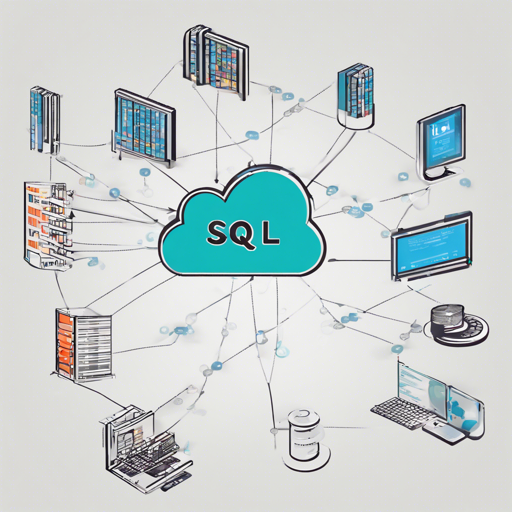
The modern world of data requires us to interact with a myriad of data sources, often leading to complexity when attempting to unify them under a single language. Imagine you need to communicate with different friends who speak different languages. Instead of learning each language, you find a common tongue. This is exactly the purpose of the Sql Query Proxy—to allow you to query disparate data sources like Elasticsearch, MongoDB, and others using a unified SQL syntax. Let’s explore how to set this up and get you querying your data in no time!
Getting Started with Sql Query Proxy
Before diving into the code, ensure you have the following prerequisites ready:
- A machine with Docker installed.
- SQL client such as MySQL for executing queries.
Step-by-Step Setup
1. Prepare Your Data
For this setup, we will create a CSV database of Baseball statistics. Follow these commands to download and prepare the data:
mkdir -p tmp/baseball
cd tmp/baseball
curl -Ls http://seanlahman.com/files/database/baseballdatabank-2017.1.zip -o bball.zip
unzip bball.zip
mv baseball*core*.csv .
rm bball.zip
rm -rf baseballdatabank-*
2. Run the Docker Container
Now that your data is ready, we will run the Sql Query Proxy within a Docker container:
docker run -e LOGGING=debug --rm -it -p 4000:4000 -v tmp/baseball:tmp/baseball gcr.io/dataux-iodataux:latest3. Connect with MySQL Client
Open another terminal and connect to the Docker container using the MySQL client:
mysql -h 127.0.0.1 -P 4000Next, create a new source for the dataset:
CREATE source baseball WITH
  type:cloudstore,
  schema:baseball,
  settings: {
    type: localfs,
    format: csv,
    path: baseball,
    localpath: tmp
  };
Querying Your Data
Once your source is created, you can run SQL commands against your data. For example:
SHOW DATABASES;
USE baseball;
SHOW TABLES;
DESCRIBE appearances;
SELECT COUNT(*) FROM appearances;
SELECT * FROM appearances LIMIT 10;
Using Google BigQuery
To connect to Google BigQuery datasets, execute the following command if you’re running locally:
docker run -e GOOGLE_APPLICATION_CREDENTIALS=.config/gcloud/application_default_credentials.json -e LOGGING=debug --rm -it -p 4000:4000 -v ~/.config/gcloud:/.config/gcloud gcr.io/dataux-iodataux:latestThen connect using the MySQL client again and create your BigQuery data source:
CREATE source datauxtest WITH
  type:bigquery,
  schema:bqsf_bikes,
  table_aliases: {
    bikeshare_stations: bigquery-public-data:san_francisco.bikeshare_stations
  },
  settings: {
    billing_project: your-google-cloud-project,
    data_project: bigquery-public-data,
    dataset: san_francisco
  };
Troubleshooting
If you encounter issues, consider the following suggestions:
- Ensure Docker is installed and running properly on your machine.
- Check if your dataset URLs are correct and accessible.
- Verify that you have the required permissions for Google Cloud projects.
- For more insights, updates, or to collaborate on AI development projects, stay connected with fxis.ai.
Conclusion
The Sql Query Proxy offers a powerful solution to unify your data querying experience, allowing the use of SQL across various platforms without duplicating your data. Empower yourself to explore diverse data landscapes with just a few simple steps.
At fxis.ai, we believe that such advancements are crucial for the future of AI, as they enable more comprehensive and effective solutions. Our team is continually exploring new methodologies to push the envelope in artificial intelligence, ensuring that our clients benefit from the latest technological innovations.