
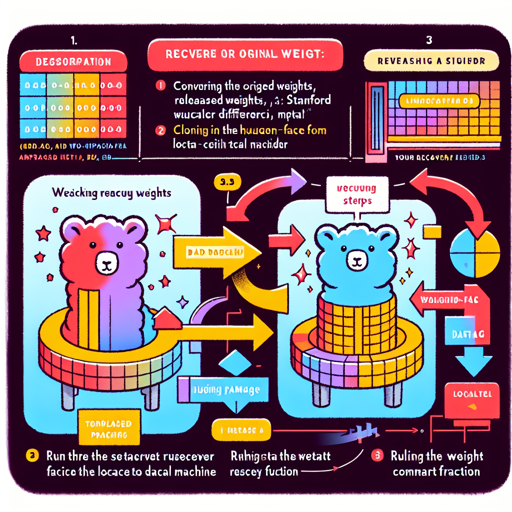
In the realm of machine learning, having the right model weights is crucial for performance. For those looking to reconstruct Stanford Alpaca-7B from Meta’s LLaMA weights, you’ve come to the right place. This guide will walk you through the steps to successfully recover the original model weights. Let’s get rolling!
Step-by-Step Recovery Process
Here is a simple breakdown of the steps required to recover the original weights:
- Step 1: Convert Meta’s released weights to Hugging Face format.
- Step 2: Clone the released weight differential into your local machine.
- Step 3: Execute the weight recovery function with the correct paths.
Detailed Instructions
Step 1: Convert Weights to Hugging Face Format
To start, you need to convert the LLaMA weights into a format that Hugging Face understands. For this, you can follow this guide: Hugging Face LLaMA Conversion Guide.
Step 2: Clone the Weight Differential
Next, ensure that you have cloned the weight differential into your local environment. You can find this weight diff at: Hugging Face Alpaca-7B Weight Diff.
Step 3: Run the Recovery Function
Once you’ve completed the first two steps, you can proceed to recover the model weights. Use the following command in your terminal:
python weight_diff.py recover --path_raw path_to_step_1_dir --path_diff path_to_step_2_dir --path_tuned path_to_store_recovered_weightsReplace path_to_step_1_dir and path_to_step_2_dir with the actual paths on your machine where you stored the respective files, and path_to_store_recovered_weights with the directory where you want to save your recovered weights.
Loading the Model
After the recovery process successfully completes, you will have a directory populated with the recovered model weights. You can load the model using the following code snippet:
import transformers

alpaca_model = transformers.AutoModelForCausalLM.from_pretrained(path_to_store_recovered_weights)
alpaca_tokenizer = transformers.AutoTokenizer.from_pretrained(path_to_store_recovered_weights)
Troubleshooting
If you encounter any issues during the recovery process, consider these troubleshooting tips:
- Ensure you have the latest version of the required libraries installed.
- Double-check the paths you are using for the commands.
- If the script fails, look for error messages in the terminal that may point to the problem.
For more insights, updates, or to collaborate on AI development projects, stay connected with fxis.ai.
Conclusion
With these straightforward steps, you now have the knowledge to recover the original weights for the Stanford Alpaca-7B model successfully. The process is akin to baking a cake: you gather the right ingredients (weights), preheat your oven (set up your environment), and bake it at the right temperature (run the correct commands) to get a deliciously functioning model!
At fxis.ai, we believe that such advancements are crucial for the future of AI, as they enable more comprehensive and effective solutions. Our team is continually exploring new methodologies to push the envelope in artificial intelligence, ensuring that our clients benefit from the latest technological innovations.