
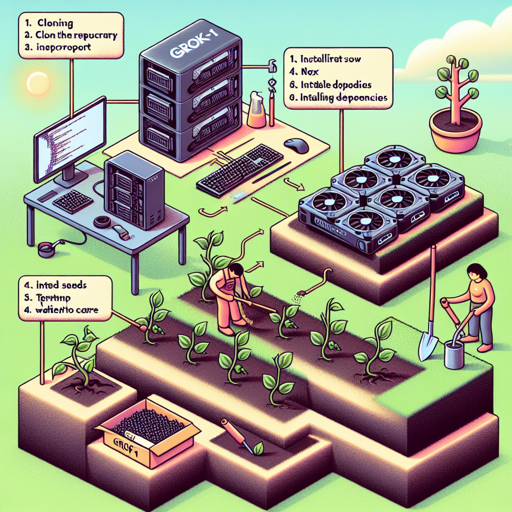
Grok-1 is an impressive open-weights language model boasting 314 billion parameters! In this guide, we will walk you through the steps to download and run Grok-1 with ease—like planting a garden and watching it grow. However, be ready to dig deep, as this model requires a multi-GPU machine for optimal performance. Let’s put on our gardening gloves and get started!
Step 1: Cloning the Repository
First, we need to bring the Grok-1 model right to our workstation, similar to gathering seeds before planting. Open your terminal and execute the following command:
git clone https://github.com/xai-org/grok-1.git && cd grok-1This command clones the Grok-1 repository from GitHub. After cloning, you move into the Grok-1 directory (your gardening patch) to prepare for planting!
Step 2: Installing Dependencies
Just like water and sunlight are essential for your plants, you’ll need to install some dependencies. To do this, run:
pip install huggingface_hub[hf_transfer]These dependencies will enable your model to operate correctly. Think of it as preparing your soil to ensure healthy growth!
Step 3: Downloading the Checkpoint
Next, we need to download the `int8` checkpoint, which is critical for running Grok-1. Run the following command:
huggingface-cli download xai-org/grok-1 --repo-type model --include ckpt-0/* --local-dir checkpoints --local-dir-use-symlinks FalseThis command will download the necessary checkpoint files to the `checkpoints` directory and prepare your model for blooming!
Step 4: Running the Model
Now that everything is in place, it’s time to run the model! Execute the following instructions in your terminal:
pip install -r requirements.txtpython run.pyIf everything is in order, you should start seeing output from the language model, similar to the first shoots of your garden peeking through the soil!
Troubleshooting
If you encounter any issues during setup, here are some proactive steps to help you get your model ‘growing’:
- Ensure multi-GPU setup: Grok-1’s massive size means it’s vital to have a multi-GPU machine. If you see errors related to insufficient resources, this may be your culprit.
- Check installation errors: Ensure all dependencies are installed properly. Any missing packages may cause the model to falter; think of it as forgetting to water your plants.
- File path issues: Double-check file paths for checkpoints and directories. Just like planting seeds at the right depth, your files need to be where they’re supposed to be!
- Stay updated: Sometimes the repository may change or update. Make sure you have the latest version by checking the GitHub repository regularly: GitHub Repository
For more insights, updates, or to collaborate on AI development projects, stay connected with fxis.ai.
At fxis.ai, we believe that such advancements are crucial for the future of AI, as they enable more comprehensive and effective solutions. Our team is continually exploring new methodologies to push the envelope in artificial intelligence, ensuring that our clients benefit from the latest technological innovations.