
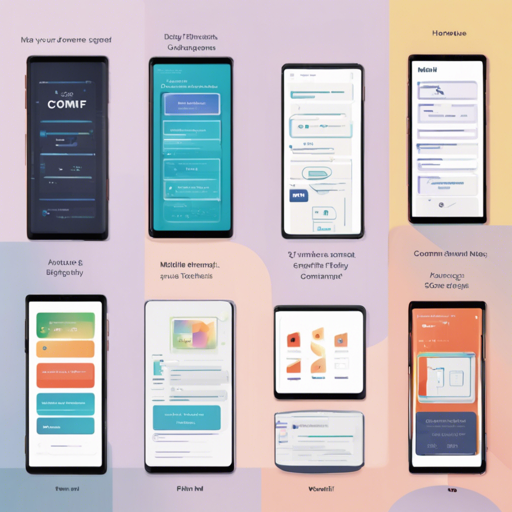
Are you looking for a compact and mobile-friendly interface to run your ComfyUI workflows? Look no further! ComfyUI Mini offers an easy way to manage your workflows right from your mobile device, enabling users to save, import, and track generation progress seamlessly. This guide will walk you through the setup process and provide troubleshooting tips to get you started with ComfyUI Mini.
Features of ComfyUI Mini
- Lightweight UI built specifically for mobile devices
- Save workflows locally on your device or on your PC
- Easy importing of workflows
- Detailed generation progress information
Requirements
For PC (Hosting WebUI):
- ComfyUI: Ensure ComfyUI is installed and functional (recommended Mar 13, 2023 release).
- NodeJS: Version 15.6.0 or higher.
- Package Manager: Preferably NPM, as Yarn has not been extensively tested but should work nonetheless.
Mobile (Accessing WebUI):
- Browser: Any modern browser with support for WebSocket.
- Network: A connection to the same network as the hosting PC.
Installation Steps
Follow these straightforward steps to get ComfyUI Mini up and running:
- Clone the GitHub Repository:
bash git clone https://github.com/ImDarkTom/ComfyUIMini.git cd ComfyUIMini - Install Dependencies: You can use NPM or Yarn for this purpose.
bash
npm install
or
bash yarn install - Run the App:
bash
node .
You may modify the ComfyUI URL/port in the config.json folder as well as the port for the app. After successfully running, you should see a message in the console similar to Running on http://local-ip:port. Simply enter the local address of your PC along with the port into another device’s URL bar to access the main page.
Troubleshooting Common Issues
Here are some common questions and their solutions to help you troubleshoot:
FAQ
Q: I can’t import my workflow.
A: Ensure your workflow is saved in API Format, as regular saving does not provide sufficient information for listing all available inputs. For guidance on enabling this option, check the tutorial here.
Q: Can you access the WebUI outside of the local network?
A: Yes, but keep in mind that doing so requires port forwarding, which may pose security risks as it could allow unauthorized access to your WebUI. Since port forwarding settings vary with different internet service providers, consider searching for “your ISP enable port forwarding” for assistance in your specific case.
For more insights, updates, or to collaborate on AI development projects, stay connected with fxis.ai.
Final Thoughts
By following the steps outlined above, you can effortlessly set up the ComfyUI Mini on your PC and access it via a mobile device. With its lightweight design, it is perfect for making your workflows mobile-friendly. At fxis.ai, we believe that such advancements are crucial for the future of AI, as they enable more comprehensive and effective solutions. Our team is continually exploring new methodologies to push the envelope in artificial intelligence, ensuring that our clients benefit from the latest technological innovations.