
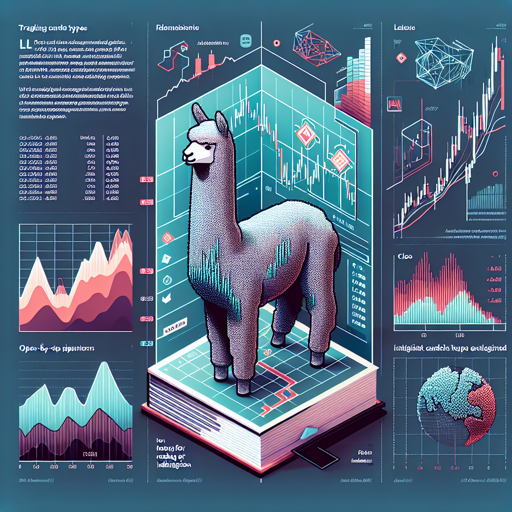
Welcome to our detailed guide on the Alpaca-LoRA trading candlestick identification model! In this article, we will walk you through the process of utilizing this sophisticated 7B-parameter LLaMA model to effortlessly identify different types of trading candles. Whether you’re a seasoned trader or a curious newbie, this guide is tailored just for you.
Understanding the Basics: What Are Trading Candles?
Before we dive into the functionality of the Alpaca-LoRA model, let’s quickly grasp what trading candles are. Trading candles, akin to the pieces on a chessboard, provide snapshots of price movements in a specified timeframe. Each candle depicts four essential price points: open, close, high, and low—much like measuring the highs and lows of a player in a match.
Step-by-Step Instructions to Identify Candlestick Patterns
Now that we’ve set the stage, let’s walk through the process:
- Installation: First, ensure you have the required libraries installed. Use the following command to relocate to your Python environment:
pip install git+https://github.com/huggingface/transformers.gitimport torch
from transformers import LlamaTokenizer, LlamaForCausalLM
tokenizer = LlamaTokenizer.from_pretrained('mrzlab630/weights_Llama_7b')
model = LlamaForCausalLM.from_pretrained('mrzlab630/weights_Llama_7b')def identify_candle(open_price, close_price, high_price, low_price):
input_data = f'open:{open_price}, close:{close_price}, high:{high_price}, low:{low_price}'
# Call your model's inference function here
output = model.predict(input_data)
return outputExample of Using the Model
Let’s consider an example where you provide the following values:
identify_candle(open_price=241.5, close_price=232.9, high_price=241.7, low_price=230.8)This might return a result like “Bearish,” indicating the price action of the candlestick.
Troubleshooting Common Issues
If you encounter any issues while running the Alpaca model, here are a few common problems and their solutions:
- Model Not Found: Ensure you have the correct path or installed the model with proper permissions.
- Memory Errors: If your hardware struggles with memory, consider using the 8-bit version with the appropriate configuration.
- Compatibility Issues: Ensure your version of PyTorch and Transformers library are up to date. You can check by running:
pip show torch
pip show transformersConclusion
Utilizing the Alpaca-LoRA model can significantly enhance your trading analysis by providing accurate candlestick identifications. Remember, just as a painter needs the right brush for their canvas, traders require the right tools to interpret market patterns effectively. At fxis.ai, we believe that such advancements are crucial for the future of AI, as they enable more comprehensive and effective solutions. Our team is continually exploring new methodologies to push the envelope in artificial intelligence, ensuring that our clients benefit from the latest technological innovations.
Stay Connected
For more insights, updates, or to collaborate on AI development projects, stay connected with fxis.ai.