
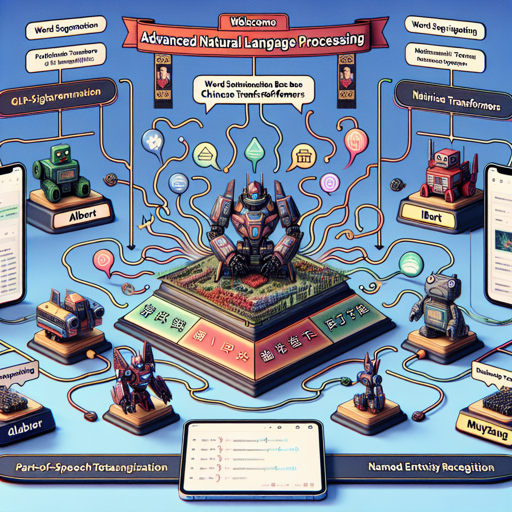
Welcome to the era of advanced natural language processing (NLP)! In this blog, we will delve into how to harness the power of CKIP’s BERT Base Chinese transformers. This project offers a variety of traditional Chinese transformer models, such as ALBERT, BERT, and GPT2, along with valuable NLP tools like word segmentation, part-of-speech tagging, and named entity recognition.
Getting Started with CKIP BERT Base
To kick off your journey, let’s explore how to set up and use the CKIP BERT Base in your projects.
- Visit the Homepage: You can find all the details and resources on GitHub.
- Contributors: The project has been led by Mu Yang at CKIP.
Installation and Usage
To begin using CKIP BERT Base for traditional Chinese processing, you should utilize the BertTokenizerFast instead of the conventional AutoTokenizer. Here is a sample code snippet to help you get started:
from transformers import (
  BertTokenizerFast,
  AutoModel,
)
tokenizer = BertTokenizerFast.from_pretrained('bert-base-chinese')
model = AutoModel.from_pretrained('ckiplab/bert-base-chinese-pos')
In this code, you are initializing the tokenizer and model by calling the respective pretrained versions. The tokenizer prepares the text for the model, ensuring effective processing of traditional Chinese characters.
Understanding the Process: An Analogy
Think of the CKIP BERT Base as a highly efficient kitchen where different models act like specialized chefs. Each chef (model) has his own expertise—be it making dumplings (ALBERT), stir-frying (BERT), or baking (GPT2). Just like a kitchen requires the right tools (tokenizers and NLP methods), this BERT framework needs proper inputs to return flavorful results. Adopting ‘BertTokenizerFast’ ensures that the ingredients (text data) are prepared swiftly and accurately, ready to be processed by the culinary skills of the models!
Troubleshooting and Tips
While using CKIP BERT Base, you might encounter some common issues. Here are a few troubleshooting tips:
- If you run into installation errors, ensure that your Python environment is set up correctly and you’ve installed the required libraries.
- Make sure you are using the right tokenizer; if you see performance issues, double-check that it’s BertTokenizerFast and not AutoTokenizer.
- In case of model loading problems, verify that the model name (‘ckiplab/bert-base-chinese-pos’) is spelled correctly.
For more insights, updates, or to collaborate on AI development projects, stay connected with fxis.ai.
Conclusion
At fxis.ai, we believe that such advancements are crucial for the future of AI, as they enable more comprehensive and effective solutions. Our team is continually exploring new methodologies to push the envelope in artificial intelligence, ensuring that our clients benefit from the latest technological innovations.
Now that you’re equipped with the knowledge to leverage CKIP BERT Base, go forth and create powerful NLP solutions for traditional Chinese text! Happy coding!