
In the realm of image segmentation, OneFormer stands out as a versatile tool that allows you to perform semantic, instance, and panoptic segmentation tasks using a single model. This blog will guide you through the process of utilizing the OneFormer model trained on the COCO dataset, providing a user-friendly approach and troubleshooting tips.
Understanding OneFormer
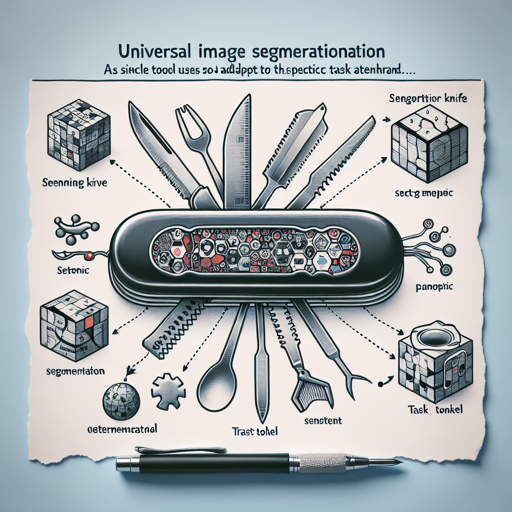
OneFormer is a cutting-edge multi-task universal image segmentation framework. Think of it like a Swiss Army knife for image segmentation. Instead of needing different tools for different tasks (similar to needing a screwdriver for screws and a hammer for nails), OneFormer employs one model that can handle various segmentation tasks effectively. This is made possible through the use of a task token, which allows the model to adapt to the specific task at hand while maintaining efficiency.
Intended Uses and Limitations
This particular checkpoint can be utilized for semantic, instance, and panoptic segmentation. If you’re interested in exploring other fine-tuned versions of this model, check out the model hub.
How to Use OneFormer
Getting started with the OneFormer model is straightforward. Follow these steps to implement image segmentation using Python:
python
from transformers import OneFormerProcessor, OneFormerForUniversalSegmentation
from PIL import Image
import requests

# Load the image
url = "https://huggingface.co/datasets/shi-labs/oneformer_demo/blob/main/coco.jpeg"
image = Image.open(requests.get(url, stream=True).raw)

# Loading a single model for all three tasks
processor = OneFormerProcessor.from_pretrained("shi-labs/oneformer_coco_dinat_large")
model = OneFormerForUniversalSegmentation.from_pretrained("shi-labs/oneformer_coco_dinat_large")

# Semantic Segmentation
semantic_inputs = processor(images=image, task_inputs=["semantic"], return_tensors="pt")
semantic_outputs = model(**semantic_inputs)
predicted_semantic_map = processor.post_process_semantic_segmentation(semantic_outputs, target_sizes=[image.size[::-1]])[0]

# Instance Segmentation
instance_inputs = processor(images=image, task_inputs=["instance"], return_tensors="pt")
instance_outputs = model(**instance_inputs)
predicted_instance_map = processor.post_process_instance_segmentation(instance_outputs, target_sizes=[image.size[::-1]])[0]["segmentation"]

# Panoptic Segmentation
panoptic_inputs = processor(images=image, task_inputs=["panoptic"], return_tensors="pt")
panoptic_outputs = model(**panoptic_inputs)
predicted_panoptic_map = processor.post_process_panoptic_segmentation(panoptic_outputs, target_sizes=[image.size[::-1]])[0]["segmentation"]
Breaking it Down
Let’s break down the code using an analogy:
- Importing Libraries: Imagine packing your bag with the essential tools for a trip – in this case, importing the libraries prepares your Python environment with the necessary functions and classes needed for image segmentation.
- Loading the Image: This step is akin to taking a snapshot of the scenery you’re observing; you fetch an image from the Internet using a URL.
- Using OneFormer Processor and Model: Consider this like setting up your camera with a multi-lens option, allowing you to switch between different segmentation tasks without hassle – here you’ve initialized the processor and model for various segmentation types.
- Segmenting Images: The model then applies its expertise like a skilled photographer who can choose to focus on details, outlines, or overall scenes, based on the specified task (semantic, instance, or panoptic).
Troubleshooting
If you encounter any issues while running the code, here are some troubleshooting ideas:
- Ensure that you have the Transformers library installed correctly. Use the command
pip install transformersif needed. - Double-check the URLs of the images you are using. A broken link will lead to errors in loading images.
- Verify that the model names and task inputs used in the code correspond to those provided by the OneFormer documentation.
- If any library raises an error, try updating it or reinstalling it to resolve version conflicts.
- For more insights, updates, or to collaborate on AI development projects, stay connected with fxis.ai.
At fxis.ai, we believe that such advancements are crucial for the future of AI, as they enable more comprehensive and effective solutions. Our team is continually exploring new methodologies to push the envelope in artificial intelligence, ensuring that our clients benefit from the latest technological innovations.