
Welcome to your ultimate guide on how to utilize the OpenCALM-3B model, a state-of-the-art decoder-only language model specifically designed for Japanese. Developed by CyberAgent, Inc., this model enables you to generate highly coherent text in the Japanese language with just a few lines of code. Ready to break down the complexities? Let’s dive in!
Understanding OpenCALM-3B
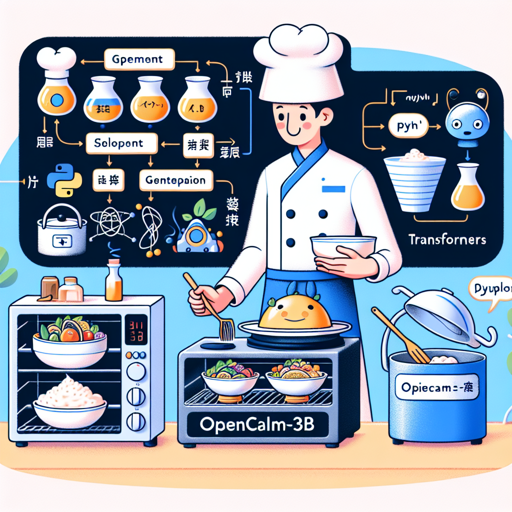
Before we get our hands dirty with code, let’s visualize OpenCALM-3B as a talented chef in a kitchen. Each ingredient (language model parameter) needs to be in perfect harmony to create a delicious dish (text generation). With this model, you can whip up impressive textual outputs just by feeding it the right ingredients!
Setting Up OpenCALM-3B
To start your journey with OpenCALM-3B, you’ll need Python, along with the PyTorch and Transformers libraries. Here’s how to set it all up:
- Ensure you have Python installed (preferably version 3.6 or later).
- Install the necessary libraries with the following command:
pip install torch transformersLoading the Model
Once you have your environment ready, you can load the OpenCALM-3B model using the following Python code:
import torch
from transformers import AutoModelForCausalLM, AutoTokenizer

model = AutoModelForCausalLM.from_pretrained('cyberagent/open-calm-3b', device_map='auto', torch_dtype=torch.float16)
tokenizer = AutoTokenizer.from_pretrained('cyberagent/open-calm-3b')
Generating Text
Now that the model is loaded, it’s time to generate some text. Imagine you just told our chef (the model) what dish you want—let’s input some Japanese text:
inputs = tokenizer("AIによって私達の暮らしは、", return_tensors='pt').to(model.device)

with torch.no_grad():
    tokens = model.generate(
        **inputs,
        max_new_tokens=64,
        do_sample=True,
        temperature=0.7,
        top_p=0.9,
        repetition_penalty=1.05,
        pad_token_id=tokenizer.pad_token_id,
    )
    output = tokenizer.decode(tokens[0], skip_special_tokens=True)

print(output)
This snippet brings together all elements and generates a coherent continuation based on your provided input.
Understanding the Code
The code above is a recipe where each ingredient is essential:
- inputs: This is akin to telling the chef what ingredients you have. It’s where you specify your starting text.
- model.generate: This is like the cooking process where the chef blends everything together to produce the final dish (output).
- params like temperature and top_p: Think of these as the chef’s techniques, adjusting for sweetness or savoriness (creativity and coherence) in the generated text.
Troubleshooting Tips
If you run into issues while trying out OpenCALM-3B, here are some troubleshooting ideas:
- Error on importing libraries: Ensure that you have successfully installed both PyTorch and Transformers libraries.
- Model loading issues: Check your internet connection as the model is being fetched from the Hugging Face model hub.
- Decoding errors: Ensure that your input tokens are correctly formatted and padded; otherwise, the model might throw an error.
- Performance issues: If your computation takes too long, consider using a GPU if available or optimize torch settings.
For more insights, updates, or to collaborate on AI development projects, stay connected with fxis.ai.
Conclusion
With that, you are now equipped with all the tools to begin utilizing the OpenCALM-3B model! Start generating remarkable Japanese text today, and let your creativity flow like never before!
At fxis.ai, we believe that such advancements are crucial for the future of AI, as they enable more comprehensive and effective solutions. Our team is continually exploring new methodologies to push the envelope in artificial intelligence, ensuring that our clients benefit from the latest technological innovations.