
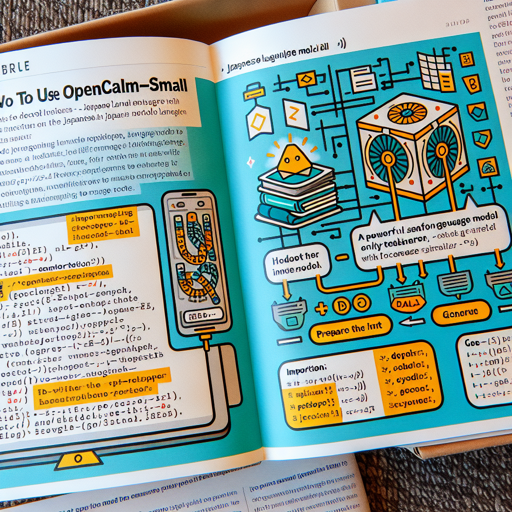
OpenCALM-Small is a powerful decoder-only language model tailored for Japanese, developed by CyberAgent, Inc. In this article, we’ll guide you through the process of using OpenCALM, making it user-friendly for developers and researchers alike.
Getting Started with OpenCALM-Small
To begin your journey with OpenCALM-Small, you’ll need to set up your environment and run a small piece of code. Here’s how you can do it:
python
import torch
from transformers import AutoModelForCausalLM, AutoTokenizer

# Load the model and tokenizer
model = AutoModelForCausalLM.from_pretrained("cyberagent/open-calm-small", device_map="auto", torch_dtype=torch.float16)
tokenizer = AutoTokenizer.from_pretrained("cyberagent/open-calm-small")

# Prepare the input
inputs = tokenizer("AIによって私達の暮らしは、", return_tensors="pt").to(model.device)

# Generate output
with torch.no_grad():
    tokens = model.generate(
        **inputs,
        max_new_tokens=64,
        do_sample=True,
        temperature=0.7,
        top_p=0.9,
        repetition_penalty=1.05,
        pad_token_id=tokenizer.pad_token_id,
    )
    output = tokenizer.decode(tokens[0], skip_special_tokens=True)

print(output)
Breaking Down the Code: A Relatable Analogy
Imagine you’re preparing a special dish that requires a series of steps to follow. Each component you add builds towards the final dish, just as each line of code contributes to generating language outputs.
- Importing Ingredients: The first part of your code brings in necessary libraries (like ingredients) that help in cooking your language model.
- Loading the Recipe: You then load the OpenCALM model and tokenizer — think of these as your recipe that guides how to mix the ingredients (tokens) for your dish (generated text).
- Preparing the Inputs: Just as you’d chop vegetables before cooking, you prepare your input sentence and convert it into tensors ready for processing.
- Cooking Up the Output: The model generates new tokens, tweaking parameters such as temperature (spice level) and repetition (boredom factor) to create a delightful serving of text.
- Plating the Dish: Finally, you decode the output from tokens to readable text — the moment you see your creation come together!
Troubleshooting Common Issues
As you embark on using OpenCALM-Small, you might encounter a few bumps along the way. Here are some troubleshooting ideas:
- Model Not Loading: Ensure you have the correct model name (it should be “cyberagent/open-calm-small”). Also, check your internet connection.
- Out of Memory Error: If you’re working with large tokens, try reducing the input size or lowering the model’s precision (change torch_dtype to torch.float32).
- Installation Issues: Make sure that you have the latest version of PyTorch and Transformers libraries installed. You can update them using pip.
- No Output Generated: Make sure your input prompts are defined and that your generation parameters (like max_new_tokens) are set appropriately.
For more insights, updates, or to collaborate on AI development projects, stay connected with fxis.ai.
Model Details
The OpenCALM-Small model has the following specifications:
| Model | Params | Layers | Dim | Heads | Dev PPL |
|---|---|---|---|---|---|
| OpenCALM-Small | 160M | 12 | 768 | 12 | 19.7 |
| OpenCALM-Medium | 400M | 24 | 1024 | 16 | 13.8 |
| OpenCALM-Large | 830M | 24 | 1536 | 16 | 11.3 |
| OpenCALM-1B | 1.4B | 24 | 2048 | 16 | 10.3 |
| OpenCALM-3B | 2.7B | 32 | 2560 | 32 | 29.7 |
| OpenCALM-7B | 6.8B | 32 | 4096 | 32 | 28.2 |
At fxis.ai, we believe that such advancements are crucial for the future of AI, as they enable more comprehensive and effective solutions. Our team is continually exploring new methodologies to push the envelope in artificial intelligence, ensuring that our clients benefit from the latest technological innovations.