
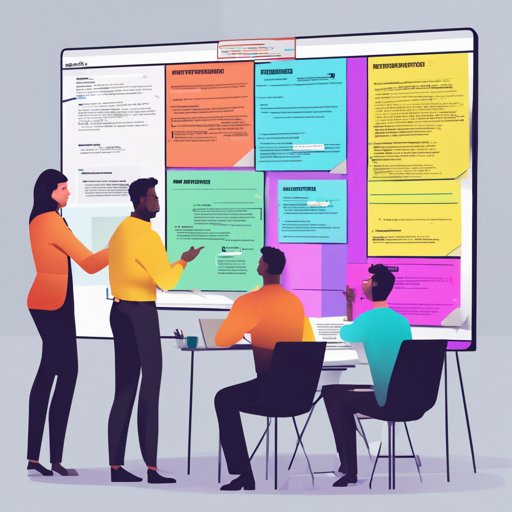
Welcome to a comprehensive guide on using Retrospected, a free AI-powered real-time Agile retrospective board designed for engineering teams. With this guide, you’ll learn how to start using Retrospected, troubleshoot common issues, and explore the fascinating technologies powering this incredible tool.
Getting Started with Retrospected
Using Retrospected is a breeze—here’s how you can get started:
- Access Retrospected: You can run Retrospected in two ways:
- Use the public version at www.retrospected.com.
- Host Retrospected on your own premises by following the quick-start guide.
- Create a Session: After signing in or accessing the board, create a new session by naming it and inviting participants. You can customize the session to fit your needs.
Exploring the Features of Retrospected
Retrospected offers a wide range of features powered by cutting-edge technologies:
- Real-Time Collaboration: Participants can add their input and interact in real-time, making remote retrospectives feel collaborative.
- Customizable Boards: You can tailor your retrospective board, choosing how many columns to include and defining rules.
- AI-Powered Coach: With the integration of ChatGPT, Retrospected provides intelligent suggestions during retrospectives to enhance discussions.
Understanding the Technology Behind Retrospected
Imagine going to a play where every actor is completely in sync—they know their cues, timing, and roles without needing to speak to one another. This is similar to how Retrospected operates under the hood using a multitude of technologies. Here’s the analogy:
- React 18: Think of React as the stage where all the magic happens. It’s where the actors (components) come to life.
- Socket.IO: Imagine it as a director ensuring that all actors receive their cues in perfect harmony, allowing messages to be sent back and forth seamlessly.
- PostgreSQL: This is the script of our play, storing all the necessary information of each session. It makes sure that every performance (session) is recorded and can be referenced at any time.
Troubleshooting Common Issues
While using Retrospected, you might encounter some challenges. Here are some common issues and how to resolve them:
- Unable to Create a Session: Ensure that you have signed in correctly. Check your internet connection and try refreshing the page.
- Real-Time Sync Issues: If participants are not seeing updates, refresh the page or check the server connection in case of outages.
- Authentication Errors: Ensure you have allowed permissions for any OAuth authentication you’re using. Re-login if necessary.
For more insights, updates, or to collaborate on AI development projects, stay connected with fxis.ai.
Additional Resources
Explore the documentation for comprehensive details on features and tips by visiting the Retrospected documentation.
Conclusion
There you have it! A complete overview of how to harness the power of Retrospected for your Agile retrospectives. Remember, the combination of its advanced technology and user-friendly interface makes Retrospected an outstanding choice for engineering teams looking to improve their retrospective process.
At fxis.ai, we believe that such advancements are crucial for the future of AI, as they enable more comprehensive and effective solutions. Our team is continually exploring new methodologies to push the envelope in artificial intelligence, ensuring that our clients benefit from the latest technological innovations.