
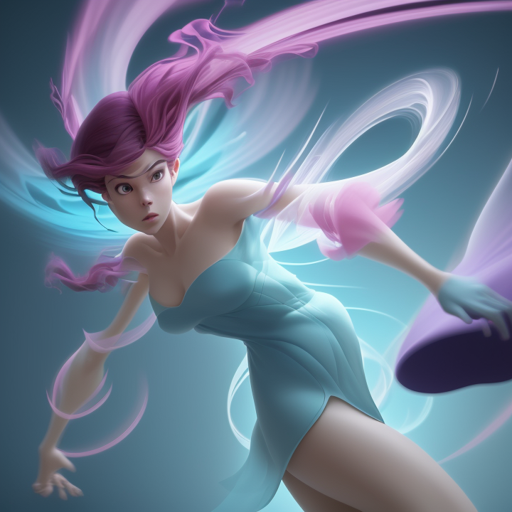
Are you ready to transform your ideas into enchanting anaClassic Disney style images? The Classic Animation Diffusion model, fine-tuned on screenshots from a beloved animation studio, allows you to do just that! Follow this guide to learn how to use this exciting model effectively.
Getting Started with Classic Animation Diffusion
First things first, you’ll need to set up the model. Here’s a step-by-step process:
- Ensure you have the necessary libraries installed, especially the Diffusers library.
- Look into the necessary documentation for Stable Diffusion for additional insights.
Code Setup
To inspire you, here’s a simplified analogy: Think of the Classic Animation Diffusion model as a magical paintbrush. With just a few strokes, you can create masterpieces by mastering your prompts.
You can start by implementing the following code to get your model ready:
python
from diffusers import StableDiffusionPipeline
import torch

model_id = "nitrosocke/classic-anim-diffusion"
pipe = StableDiffusionPipeline.from_pretrained(model_id, torch_dtype=torch.float16)
pipe = pipe.to("cuda")

prompt = "classic disney style magical princess with golden hair"
image = pipe(prompt).images[0]
image.save("magical_princess.png")
Effective Prompts and Settings
Just like different paint strokes yield varying effects, your choice of prompts and settings can greatly influence the outcome. Here are some examples:
- For a regal image:
- Prompt: classic disney style helen mirren as a queen
- Steps: 30, Sampler: Euler a, CFG scale: 7, Seed: 3496225274, Size: 512×704
- For a classic vehicle:
- Prompt: classic disney style Ford Model T – Negative prompt: person
- Steps: 20, Sampler: DPM2 Karras, CFG scale: 7, Seed: 4817981, Size: 704×512
Licensing and Usage
This model operates under a CreativeML OpenRAIL-M license, meaning it is open access, free to use, and ready for your creative endeavors. Just keep in mind the following:
- No illegal or harmful outputs.
- You maintain full rights to your creations, but are accountable for their usage.
- Redistribution is allowed, but ensure to share the same use restrictions included in the license.
For a detailed exploration of the rules and provisions, feel free to read the full license here.
Troubleshooting Your Experience
Even the best wizards encounter snags. Here are some troubleshooting tips to help:
- If you run into compatibility issues, ensure you have the latest versions of your libraries.
- For CUDA-related errors, verify that your system’s GPU is supported and properly configured.
- If you see unexpected outputs, re-evaluate your prompts and settings to ensure they align with your creative vision.
- For more insights, updates, or to collaborate on AI development projects, stay connected with fxis.ai.
Conclusion
The Classic Animation Diffusion model is a blend of technical capability and artistic expression, allowing you to weave your creativity into captivating visuals reminiscent of classic animations. Our team at fxis.ai believes that such advancements are crucial for the future of AI, as they enable more comprehensive and effective solutions. Our team is continually exploring new methodologies to push the envelope in artificial intelligence, ensuring that our clients benefit from the latest technological innovations.