
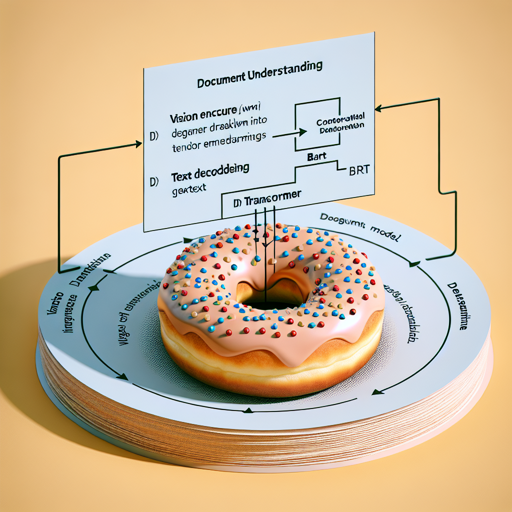
Welcome to the world of Document Understanding with the Donut model! In this article, we will explore how to utilize the Donut model for your document analysis tasks. We aim to provide an easy-to-understand guide, so you can get started with this powerful tool quickly.
Introduction to Donut
The Donut model, introduced in the paper OCR-free Document Understanding Transformer by Geewok et al., is a pre-trained model designed to simplify document understanding without the need for OCR (Optical Character Recognition). The architecture consists of a vision encoder (Swin Transformer) and a text decoder (BART).
When fed an image, the Donut model encodes the visual information into tensor embeddings, which it then employs to autoregressively generate text. Think of it as a chef who first prepares the ingredients (encoding the image) and then uses them to cook a delicious dish (generating text).
How Donut Works
- Vision Encoder: Takes an image and transforms it into a tensor of embeddings.
- Text Decoder: Uses the output from the encoder to produce readable text.
To visualize this process, consider it like an artist sketching a portrait. The vision encoder captures the essence of the image by translating visual data into a format the text decoder can understand, just like the artist converts their observations into a stunning artwork.
Intended Uses and Limitations
The Donut model is primarily meant for fine-tuning on downstream tasks, which might include:
- Document image classification
- Document parsing
For various fine-tuned versions based on your necessity, we recommend checking the Hugging Face Model Hub.
How to Use Donut
If you’re eager to start using the Donut model, you’ll need to refer to the official documentation. This resource includes code examples that guide you through implementation and deployment specifics for your tasks.
Troubleshooting Common Issues
While using the Donut model, you may encounter a few typical challenges. Here are some troubleshooting tips:
- Issue: Model not generating text.
- Solution: Ensure that the image input is correctly formatted and check the model’s configuration settings.
- Issue: Incompatible library versions.
- Solution: Verify that your environment matches the dependencies mentioned in the documentation.
For further assistance, or if you wish to stay updated on the latest developments in AI and the Donut model, connect with us at fxis.ai. We’re on a mission to enhance and collaborate on innovative AI projects.
Final Thoughts
At fxis.ai, we believe that such advancements are crucial for the future of AI, as they enable more comprehensive and effective solutions. Our team is continually exploring new methodologies to push the envelope in artificial intelligence, ensuring that our clients benefit from the latest technological innovations.