
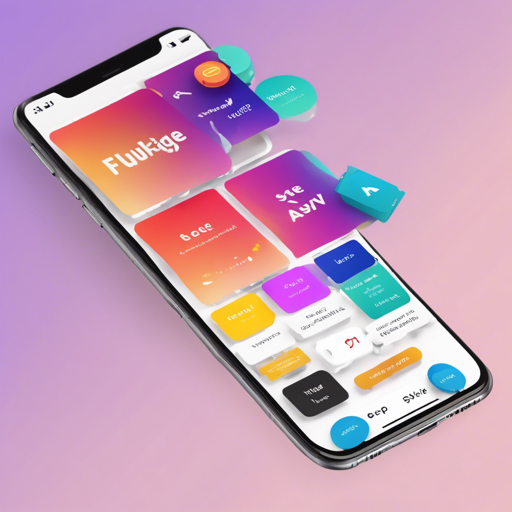
Welcome to our guide on how to leverage the SY Flutter Widgets package! This package offers a suite of native Flutter widgets that enhance your application’s interface, making it more engaging. Whether you’re a beginner or an experienced developer, this article will help you get started with this package.
Installation of SY Flutter Widgets
First, you need to add the SY Flutter Widgets package to your project. This is as easy as adding a line to your Dart package dependencies:
dependencies:
  sy_flutter_widgets: ^0.1.4
After adding the above line to your pubspec.yaml file, run the command:
flutter pub getThis command fetches the package and makes it accessible in your Flutter project.
Exploring the Widgets Available
The SY Flutter Widgets package includes various attractive and practical widgets such as:
- Rate
- Stepper
- ListView
- GridView
Each of these widgets can be easily incorporated into your app. Think of them as essential ingredients in a recipe. You can pick and choose what you want to create the perfect dish—a beautifully designed interface!
Step-by-Step Example: Using the Rate Widget
Let’s delve into an example of using the Rate widget. This widget allows users to rate items within your application. Here’s how you can use it:
import 'package:flutter/material.dart';
import 'package:sy_flutter_widgets/sy_flutter_widgets.dart';

class MyApp extends StatelessWidget {
  @override
  Widget build(BuildContext context) {
    return MaterialApp(
      home: Scaffold(
        appBar: AppBar(
          title: Text('Rate Widget Example'),
        ),
        body: Center(
          child: RateWidget(
            onRateChange: (value) {
              print("User rated: $value");
            },
          ),
        ),
      ),
    );
  }
}

void main() => runApp(MyApp());
In this example, you can think of the Rate widget as a scale for measuring how much a user enjoys a product—just like how you would rate a meal at a restaurant. Place it at the center of your app (the dining table), and let your users share their thoughts!
Troubleshooting Common Issues
If you encounter issues while using the SY Flutter Widgets package, here are some potential troubleshooting steps:
- Ensure that you have the correct version specified in your
pubspec.yamlfile. - Run
flutter cleanfollowed byflutter pub getto refresh your packages. - If you’re facing build issues, check your Flutter SDK version and update if necessary.
For more insights, updates, or to collaborate on AI development projects, stay connected with fxis.ai.
Conclusion
Now that you know how to install and use the SY Flutter Widgets package, you can start enhancing your Flutter applications with beautiful and interactive widgets. Remember, implementing these widgets can elevate user experience and create a lasting impression.
At fxis.ai, we believe that such advancements are crucial for the future of AI, as they enable more comprehensive and effective solutions. Our team is continually exploring new methodologies to push the envelope in artificial intelligence, ensuring that our clients benefit from the latest technological innovations.