
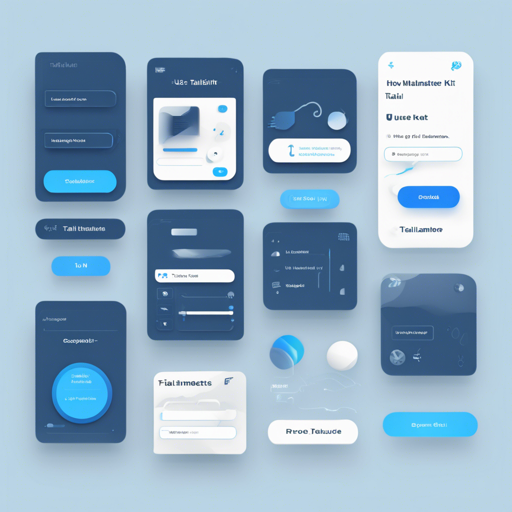
Welcome to the world of Tailmater, an open-source UI Kit that brings the wonders of Google’s Material Design 3 to life using the Tailwind CSS framework. In this blog, we will guide you through the installation, usage, and some troubleshooting tips to ensure a smooth experience with Tailmater.
Getting Started with Tailmater
Before diving into how to install the Tailmater UI Kit, let’s understand what makes it special. Tailmater combines the rich visual design of Material Design 3 with the flexibility and customization capabilities of Tailwind CSS. To make it even sweeter, it’s released under the MIT license, allowing you to use it commercially. Credit to the original developers is always appreciated!
Installation Steps
To get started with Tailmater, follow these simple steps:
- Clone the repository with the following command:
- Run the following command in your terminal:
- Open the HTML file in your browser and start editing!
git clone https://github.com/aribudin/tailmater.gitnpx tailwindcss -i .src/tailwindcss/tailwind.css -o .src/css/style.css --watchUnderstanding Tailmater Components
Tailmater comes with a variety of components that can enhance your web application. Here’s a quick look at some of them:
- Toggles: Used to show/hide elements dynamically.
- Accordion: Collapsible panels to organize content effectively.
- Dialogs: Overlays that provide interactions without leaving the current view.
- Snackbar: Brief messages at the bottom of the screen for notifications.
- Tabs: Organize content into different sections without navigating away.
A Simple Analogy
Imagine Tailmater as a well-equipped kitchen where every utensil has its place. Just like you wouldn’t start cooking without your chef’s knives or mixing bowls, you wouldn’t want to develop a website without the right tools. Each component in Tailmater is like a kitchen tool – unique in function yet essential for the smooth preparation of your ‘dish’ (or web project). For example, the Snackbar is like a microwave that heats things up quickly and draws attention without disrupting the main course of your website!
Troubleshooting Common Issues
If you encounter any issues while using Tailmater, here are some troubleshooting tips:
- Issue: My styles are not applying correctly.
- Solution: Ensure that your Tailwind CSS is being compiled properly by checking the terminal output for any errors.
- Issue: JavaScript functions for components are not working.
- Solution: Make sure you have included the relevant Tailmater JavaScript file at the end of your HTML file before the closing