
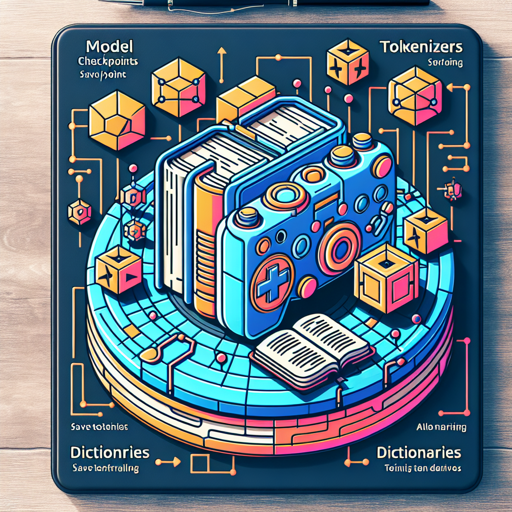
In the ever-evolving field of Natural Language Processing (NLP), effective tools are crucial for creating models that understand human language. In this article, we will explore the essentials of working with model checkpoints, tokenizers, and dictionaries. Whether you’re a beginner or an advanced practitioner, this user-friendly guide will help you navigate these concepts seamlessly.
Understanding Key Components
Before diving into the implementation, it’s important to clarify what model checkpoints, tokenizers, and dictionaries mean in the context of NLP.
Model Checkpoints
A model checkpoint is like a save point in a video game. It allows you to store the state of your AI model at a specific point during training, so that you can later resume or evaluate its performance without starting from scratch. This is especially useful for deep learning models that require significant computation time.
Tokenizers
Think of tokenizers as translators. They break down sentences into manageable pieces or ‘tokens.’ These tokens can be individual words, subwords, or even characters, which are essential for a model to grasp the semantics of language.
Dictionaries
A dictionary in NLP acts like a reference book. It maps words and their meanings, helping models understand context, synonyms, and more. Without a robust dictionary, a model may struggle to grasp nuances in language.
Getting Started: Implementation Steps
- Clone the Repository
- Loading Model Checkpoints
- Setting Up the Tokenizer
- Integrating the Dictionary
To get started, first, clone the repository containing the code. You can find it on our GitHub.
The next step is to load your model checkpoints. This can usually be done with a few lines of code, depending on the framework you are using.
Initialize the tokenizer to preprocess text data. Make sure to configure it correctly to match your model’s requirements.
Finally, integrate the dictionary which will assist your model in understanding the vocabulary and context. You can build or use pre-existing dictionaries available within your tools.
Code Implementation
Here is a basic example of how these components can come together in your NLP pipeline:
import torch
from transformers import AutoModel, AutoTokenizer

# Load model checkpoint
model = AutoModel.from_pretrained('model/checkpoint/path')

# Set up the tokenizer
tokenizer = AutoTokenizer.from_pretrained('tokenizer/path')

# Example text
text = "Hello, world!"
tokens = tokenizer(text, return_tensors="pt")
In this snippet, we are using the library from Hugging Face to load a pre-trained model and tokenizer. The example text is then tokenized into a format the model can understand.
Troubleshooting
Should you encounter any issues during the implementation, here are some troubleshooting tips:
- Model Not Found: Ensure that the path to your model checkpoints is correct.
- Tokenizer Errors: Verify the tokenizer’s compatibility with the model you are using.
- Performance Issues: If your model is running slowly, check your system specifications or consider using a GPU.
- General Errors: Review the error messages carefully; they often provide specific indicators of what might be wrong.
For more insights, updates, or to collaborate on AI development projects, stay connected with fxis.ai.
Conclusion
Understanding and implementing model checkpoints, tokenizers, and dictionaries is essential for harnessing the power of NLP. Mastery of these tools will not only enhance your models but also streamline the development process.
At fxis.ai, we believe that such advancements are crucial for the future of AI, as they enable more comprehensive and effective solutions. Our team is continually exploring new methodologies to push the envelope in artificial intelligence, ensuring that our clients benefit from the latest technological innovations.