
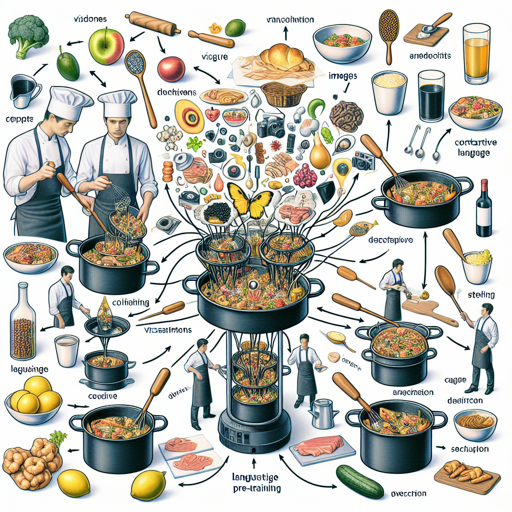
Welcome to our guide on the CLIP (Contrastive Language-Image Pre-training) model, designed by researchers at OpenAI. This powerful tool enables researchers to explore zero-shot image classification tasks and understand the robustness of computer vision models. In this article, we’ll walk you through how to work with this model, its intended uses, limitations, and troubleshooting tips for a smoother experience.
Understanding the CLIP Model
The CLIP model employs a Vision Transformer architecture to process images and texts. Think of it as a versatile translator that seamlessly converts visual data into descriptive text patterns, allowing it to classify images in a manner that has not been explicitly taught. Imagine a chef (the model) who can create various dishes (classifications) based solely on ingredients (images) and recipes (text). The chef efficiently combines the right elements to make a delicious meal without needing to be taught how to cook each specific dish beforehand. This is the essence of zero-shot learning, and CLIP truly shines here.
Preparing to Use the CLIP Model
Before you can embark on utilizing the CLIP model, ensure you have the appropriate libraries installed. The two primary libraries for working with CLIP are:
- timm – a collection of image models for PyTorch.
- OpenCLIP – focuses on large-scale image and text classification.
For additional resources, you can also check the [CLIP Paper](https://arxiv.org/abs/2103.00020).
Primary Usage of CLIP
The primary intended users of the CLIP model are researchers wanting to better understand the model’s capabilities, along with its biases and constraints. However, bear in mind that currently, any deployment of this model in commercial environments or uncontrolled settings is discouraged due to safety assessments that highlight potential risks.
Limitations of the CLIP Model
It is essential to recognize that while CLIP is a powerful tool, it comes with limitations, such as:
- Struggles with fine-grained classification tasks.
- Bias and fairness concerns depending heavily on data and class design.
- Accuracy fluctuations with demographic classifications.
As researchers, you must take these limitations into account when planning your studies or experiments.
Troubleshooting Tips
If you encounter issues while using the CLIP model, consider the following troubleshooting steps:
- Ensure that all dependencies, like PyTorch and required libraries, are correctly installed and updated.
- Verify that your datasets are appropriately structured for image and text input to prevent format-related problems.
- Experiment with different batch sizes, as the model’s performance can be influenced by the size of the input data.
For more insights, updates, or to collaborate on AI development projects, stay connected with fxis.ai.
Final Thoughts
At fxis.ai, we believe that such advancements are crucial for the future of AI, as they enable more comprehensive and effective solutions. Our team is continually exploring new methodologies to push the envelope in artificial intelligence, ensuring that our clients benefit from the latest technological innovations.
We hope this guide helps you understand how to utilize the CLIP model effectively. Happy exploring!