
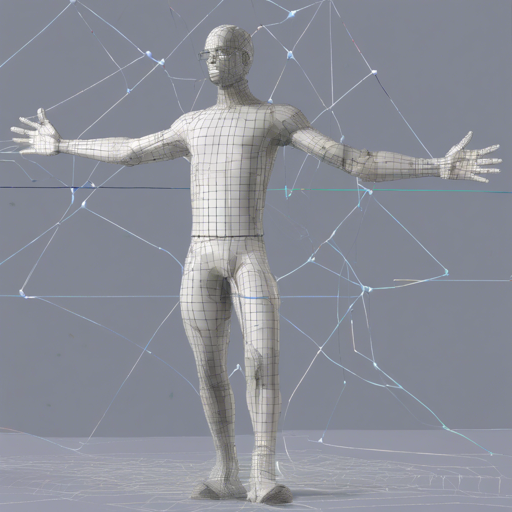
In this guide, we’ll take you through how to set up and effectively use the Monoloco library for monocular stereo 3D human localization, body orientation, and social distancing. The Monoloco library is based on advanced research projects and is suitable for various applications from safety to robotics.
Library Overview
The Monoloco library integrates various research projects to create robust functionality for 3D human localization and social distancing. Picture a highly skilled detective (the library) who not only tracks individuals (human localization) but also notes their behavior and interactions (body orientation and social distancing).

Quick Setup
- Ensure you have Python version 3.6, 3.7, or 3.8.
- Open your terminal and run the following command to install the library without cloning the repository:
pip3 install monolocopip3 install sdist
cd monoloco
python3 setup.py sdist bdist_wheel
pip3 install -e .Running Predictions
After installation, you can easily run the library. Just like a detective checks its tools before a big case, you can run different commands to inspect available options using:
python3 -m monoloco.run --helpTo predict using an image, use:
python3 -m monoloco.run predict your_image.pngFor stereo images, ensure the naming convention follows:
Left image: name.extensionRight image: name_r.extension
Social Distancing and Activities
If you want to visualize social distancing, simply add the social distance argument:
python3 -m monoloco.run predict image.jpg --activities social_distanceTraining Your Model
The library allows you to train models using the KITTI dataset. Think of training like a sports team preparing for a match; the better the training, the better the performance.
- To train MonoLoco on KITTI, use:
python3 -m monoloco.run train --joints dataarraysjoints-kitti-mono.jsonTroubleshooting Tips
- If you encounter issues with installations, ensure you are using the correct Python version (3.6, 3.7, 3.8) and that pip is installed properly.
- For specific command failures, double-check the file paths and commands for typos.
- For models not downloading, make sure you have a stable internet connection.
- Check if you have all required permissions if the script cannot access the files.
For more insights, updates, or to collaborate on AI development projects, stay connected with fxis.ai.
Conclusion
Monoloco holds significant potential in advancing technologies like robotics and safety applications by effectively capturing and interpreting human movements in 3D space. At fxis.ai, we believe that such advancements are crucial for the future of AI, as they enable more comprehensive and effective solutions. Our team is continually exploring new methodologies to push the envelope in artificial intelligence, ensuring that our clients benefit from the latest technological innovations.