
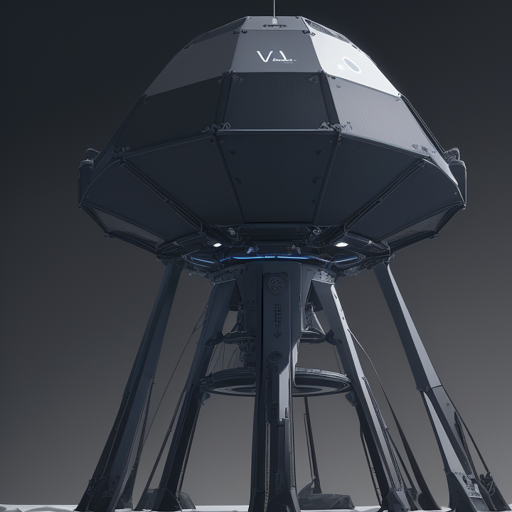
Welcome to an exciting adventure in the realm of deep reinforcement learning! In this guide, we will explore how to set up and use a Proximal Policy Optimization (PPO) agent with the LunarLander-v2 environment, utilizing the powerful Stable-Baselines3 library. Whether you are a beginner or someone looking to sharpen your skills, this guide is designed to be user-friendly and informative.
Understanding the PPO Agent and LunarLander-v2
Before diving into the code, let’s comprehend the concepts involved:
- PPO Agent: Proximal Policy Optimization is an algorithm designed to foster efficient learning through the use of clipping methods to prevent drastic updates.
- LunarLander-v2: This environment offers a simulation where an agent must land a lunar module on a designated landing pad while balancing the control of its propulsion and lateral movement.
Picture this setup as a skilled pilot maneuvering a lunar lander—balancing the thrusters, managing descent, and ultimately ensuring a safe landing. The PPO agent learns from experience and gradually perfects its piloting skills.
Setting Up Your Environment
To begin, ensure you have all the necessary libraries installed. If you haven’t yet done so, use the following command:
pip install stable-baselines3 huggingface-sb3Using the PPO Agent with LunarLander-v2
Here’s how to implement the PPO agent in the LunarLander-v2 environment:
from stable_baselines3 import PPO
from huggingface_sb3 import load_from_hub

# Load the environment
env = gym.make('LunarLander-v2')

# Initialize the PPO agent
model = PPO('MlpPolicy', env, verbose=1)

# Train the agent
model.learn(total_timesteps=10000)

# Save the model
model.save("ppo_lunarlander")
In the code above, we:
- Import the necessary libraries:
PPOfor the agent andload_from_hubfor loading our model. - Create the lunar environment using
gym.make. - Initialize the PPO agent with a multi-layer perceptron policy (
MlpPolicy). - Train the agent for specified time steps and save the trained model.
Troubleshooting Common Issues
If you encounter any complications during the setup or execution, consider these troubleshooting tips:
- Check Installations: Ensure all required packages are installed without errors. Sometimes an installation might fail without you realizing it.
- Environment Not Found: If the LunarLander-v2 environment is not recognized, verify that the gym package includes it with
pip install gym[box2d]. - Model Training Issues: If the agent isn’t learning as expected, consider adjusting hyperparameters, experimenting with different policies, or increasing training time to enhance its experience.
For more insights, updates, or to collaborate on AI development projects, stay connected with fxis.ai.
Conclusion
You are now equipped with the knowledge to utilize a PPO agent in the LunarLander-v2 environment using the Stable-Baselines3 library. This fusion of reinforcement learning and practical simulation not only sharpens your programming skills but also enhances your understanding of AI behaviors.
At fxis.ai, we believe that such advancements are crucial for the future of AI, as they enable more comprehensive and effective solutions. Our team is continually exploring new methodologies to push the envelope in artificial intelligence, ensuring that our clients benefit from the latest technological innovations.