
In the realm of semantic segmentation, UperNet paired with a Swin Transformer backbone is a powerhouse combination. By leveraging these technologies, you can achieve impressive results in understanding visual scenes at the pixel level. In this article, we will explore how to effectively use this model and address common troubleshooting scenarios.
Understanding UperNet and Swin Transformer
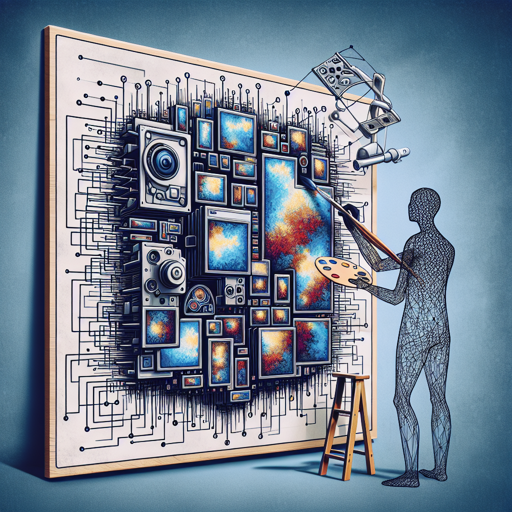
UperNet is built to perform semantic segmentation, which means it classifies each pixel in an image to provide a rich understanding of the scene. Think of it like an artist carefully coloring every part of a painting – each section needs to be identified before it can be filled in with the correct color. The Swin Transformer acts as the backbone of UperNet, providing a hierarchical understanding of images by capturing both low-level and high-level features.
Components of UperNet
The UperNet framework includes several key components:
- Backbone: Any visual backbone can be integrated into UperNet.
- Feature Pyramid Network (FPN): This component helps in aggregating features at different scales.
- Pyramid Pooling Module (PPM): It allows the model to gather information from various spatial resolutions.
These components work together seamlessly, similar to how different tools in a toolbox can be used to build a complete structure.
Intended Uses and Limitations
You can use the raw UperNet model for various semantic segmentation tasks. For those looking for fine-tuned versions of the model on a particular task, you can explore the model hub. It’s essential to understand that while UperNet is potent, each model may carry specific limitations based on the task it has been fine-tuned for.
How to Use UperNet
If you’re ready to dive into using UperNet with the Swin Transformer backbone, the implementation is easily accessible. You can refer to the documentation for sample code snippets. This is where the actual magic happens, and you can start seeing results immediately!
Troubleshooting Tips
As with any robust framework, you might run into some bumps along the way. Here are a few troubleshooting ideas:
- If you encounter issues with the model not running properly, ensure that all required libraries are installed and up-to-date.
- For discrepancies in output, double-check the input image dimensions and format; UperNet requires specific configurations.
- If the performance doesn’t meet expectations, consider using different backbones available in the model hub for fine-tuning.
For more insights, updates, or to collaborate on AI development projects, stay connected with fxis.ai.
Conclusion
At fxis.ai, we believe that such advancements are crucial for the future of AI, as they enable more comprehensive and effective solutions. Our team is continually exploring new methodologies to push the envelope in artificial intelligence, ensuring that our clients benefit from the latest technological innovations.