
Welcome to your guide on using the Word2Vec pre-trained vectors and unleashing the power of word representations! With a powerful model containing 300-dimensional vectors for 3 million words and phrases from a subset of the Google News dataset, you’re equipped to take your natural language processing (NLP) projects to new heights.
What is Word2Vec?
Word2Vec is a groundbreaking technique that converts words into vectors, allowing computers to understand the contextual meaning of words more effectively. This model develops relationships between words based on the context in which they appear, resulting in meaningful numerical representations.
Getting Started with Word2Vec
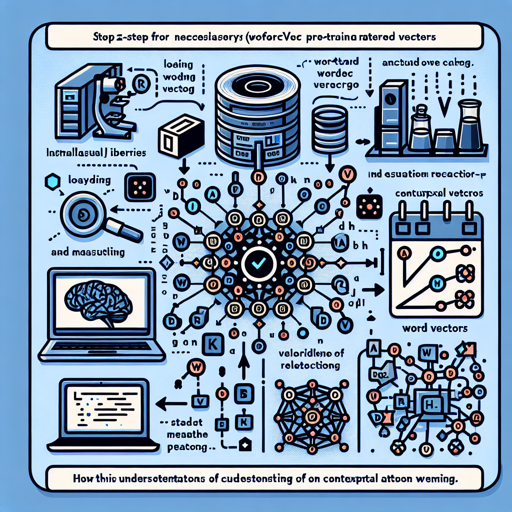
To begin using Word2Vec pre-trained vectors, follow these steps:
- Install the required libraries.
- Load the Word2Vec model.
- Explore the word vectors.
Step 1: Installation
Before diving in, ensure you have Gensim and FSE libraries installed. You can use the following command to install them:
pip install gensim fseStep 2: Load the Pre-trained Word2Vec Model
Once installed, you can load the pre-trained vectors into your code. Think of loading this model as storing a massive dictionary where every word has a secret identity (or vector) associated with it. Here’s how to load the model:
from gensim.models import KeyedVectors
model = KeyedVectors.load_word2vec_format('path_to_word2vec.bin', binary=True)
Step 3: Exploring the Word Vectors
With the model loaded, you can now find the vector for any word and even explore relationships between words. Imagine you’re a linguist going on a treasure hunt, retrieving gems (or word vectors) from your dictionary.
Here’s how to explore:
# Get the vector for a word
word_vector = model['example']

# Find most similar words
similar_words = model.most_similar('example')
Troubleshooting
Encountering issues? Here are some common pitfalls and their solutions:
- Model Not Found: Make sure the path to the model is correct. Double-check your filename and directory.
- Out of Memory Issues: If your computer struggles to load the model, consider using a machine with more memory or loading smaller subsets of the data.
- Environment Errors: Ensure that your Python environment has the necessary permissions and compatibility. Sometimes, using a virtual environment can resolve these conflicts.
For more insights, updates, or to collaborate on AI development projects, stay connected with fxis.ai.
Conclusion
The Word2Vec pre-trained vectors offer a robust starting point for various NLP projects, making it easier to harness the power of language. With this guide, you’re now equipped to explore the fascinating world of word vectors! At fxis.ai, we believe that such advancements are crucial for the future of AI, as they enable more comprehensive and effective solutions. Our team is continually exploring new methodologies to push the envelope in artificial intelligence, ensuring that our clients benefit from the latest technological innovations.
Further Reading
If you want to explore more about the foundations of Word2Vec and its applications, here are some invaluable resources:
- Official Word2Vec Page
- Research Paper: Distributed Representations of Words and Phrases
- Research on Word Embeddings
- Microsoft Research on Word Representations
Happy coding!