
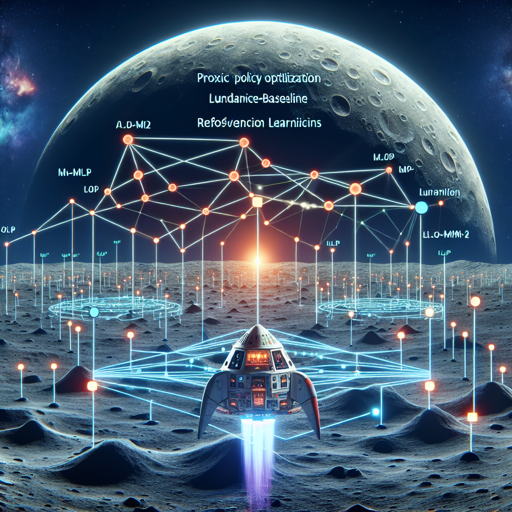
Welcome to the exciting world of reinforcement learning! Today, we’ll explore how to leverage a trained model of a PPO-MLP agent to play the popular game LunarLander-v2 using the stable-baselines3 library.
Understanding the PPO-MLP and LunarLander-v2
The LunarLander-v2 is a challenging environment where an agent must navigate and land a spaceship on the moon’s surface safely. It operates on the principle of reinforcement learning, where the agent learns to make decisions through trial and error. The PPO-MLP (Proximal Policy Optimization with Multi-Layer Perceptron) model helps in achieving an enhanced form of decision-making based on its experiences.
How to Use the PPO-MLP Agent
Here’s a step-by-step guide on how to utilize the trained PPO-MLP agent in your own projects:
- Step 1: Install Dependencies
Ensure you have the stable-baselines3 library installed. You can do so through pip:
pip install stable-baselines3Start by importing the relevant modules into your Python environment:
from stable_baselines3 import PPO
from huggingface_sb3 import load_from_hubOnce you have the necessary imports, you can load your pretrained model. This model has already undergone training, achieving an impressive mean reward of 267.46 ± 24.94.
With the model loaded, you’re ready to unleash your agent in the LunarLander-v2 environment and watch it land successfully on the lunar surface!
Code Explanation Through Analogy
Imagine you are teaching a child to ride a bike. The child starts off with training wheels (the PPO-MLP model) that guide them and prevent them from falling, much like how the model uses prior experiences to make better decisions. As the child gains confidence, they start to rely less on those training wheels (the learning process), eventually removing them and riding independently—achieving the goal of navigating the lunar landscape autonomously!
Troubleshooting Tips
If you encounter any hiccups while implementing the PPO-MLP agent, consider these troubleshooting ideas:
- Model Load Failure: Ensure the model path is correct and that you have internet access if loading from the hub.
- Environment Issues: Make sure the LunarLander-v2 environment is installed correctly and the dependencies are up-to-date.
- Reward Variability: If the mean reward fluctuates, it could be due to random variations inherent in reinforcement learning. Always check the training parameters or re-evaluate the training process.
For more insights, updates, or to collaborate on AI development projects, stay connected with fxis.ai.
Conclusion
With the PPO-MLP agent in your toolkit, you now have a powerful method of tackling the LunarLander-v2 challenge. At fxis.ai, we believe that such advancements are crucial for the future of AI, as they enable more comprehensive and effective solutions. Our team is continually exploring new methodologies to push the envelope in artificial intelligence, ensuring that our clients benefit from the latest technological innovations.