
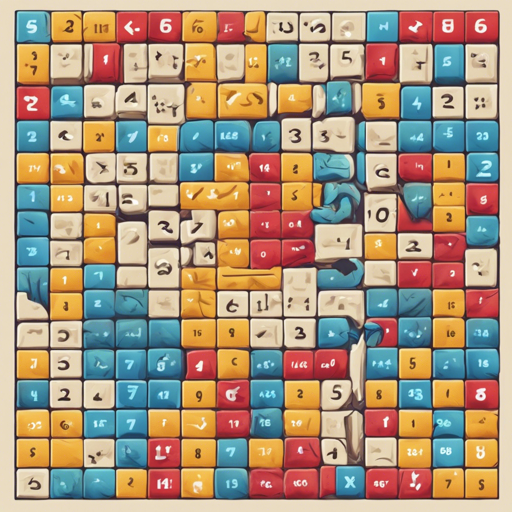
The Game of Fifteen, also known as the 15-puzzle, is a classic sliding puzzle that has entertained and challenged minds for generations. It consists of a frame filled with numbered square tiles and one tile missing, requiring players to rearrange the tiles to restore order. This article will guide you on how to create your Game of Fifteen using the Flutter framework.
Getting Started with Flutter
Before diving into code, ensure that you have Flutter installed on your system. If you haven’t done this yet, you can follow the official Flutter installation guide. Here’s the link for setup.
Implementing the Game of Fifteen
To make your own version of the Game of Fifteen, consider the following steps:
- Setting Up Your Environment:
- Create a new Flutter project using the command: flutter create fifteen_puzzle.
- Navigate into your project directory: cd fifteen_puzzle.
- Design the Game Board:
Think of designing the game board like arranging your books on a shelf. You want everything to be in order, yet with an empty slot for movement. Create a grid layout with a 4×4 matrix where the numbered tiles are shuffled randomly, and one tile remains empty.
- Adding Functionality:
Add event listeners to respond to tile taps. The players should be able to slide the tiles adjacent to the empty space. Think of these tiles as chess pieces that only move into a vacant square. Implement logic to check whether a move is valid and update the board accordingly.
- Winning Logic:
Just like finishing a puzzle, keep track of the current configuration to check if it’s the solved state (1 to 15 in order). When the player successfully orders the tiles, you can display a winning message!
Deployment Options
Once your game is complete, you have several deployment options:
Troubleshooting Common Issues
While developing your version of the Game of Fifteen, you may encounter a few common issues:
- Tiles Not Moving Properly: Ensure that your logic for determining valid moves is functioning correctly. Check your state management to ensure the UI reflects the movement.
- Shuffling Not Random: Double-check your randomization logic to make sure every launch has a unique configuration. Sometimes using a pseudo-random generator can yield the same outputs!
- App Crashes on Launch: Review the console logs to identify any initialization errors. You might have missed a required package or dependency in your pubspec.yaml file.
If you find yourself stuck or need further assistance, remember to reach out to the community or report a bug clearly providing details. For more insights, updates, or to collaborate on AI development projects, stay connected with fxis.ai.
Final Thoughts
At fxis.ai, we believe that such advancements are crucial for the future of AI, as they enable more comprehensive and effective solutions. Our team is continually exploring new methodologies to push the envelope in artificial intelligence, ensuring that our clients benefit from the latest technological innovations.
Now, go ahead and build an exciting version of the Game of Fifteen! Happy coding!