
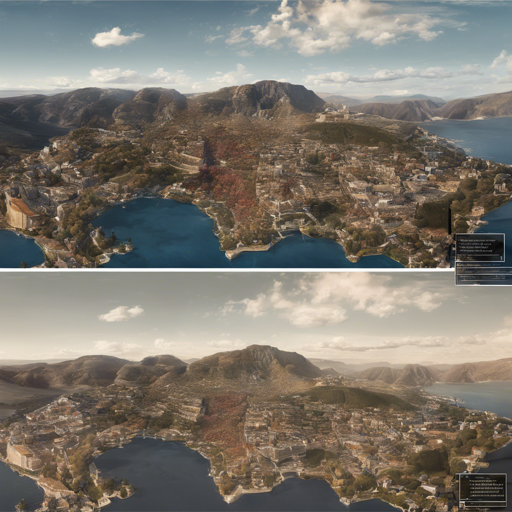
Welcome to the world of semantics-aware image super-resolution! With the rapid advancements in computer vision, SeeSR introduces an innovative approach toward enhancing real-world images. This guide will walk you through the steps to implement SeeSR effectively while also troubleshooting any issues you may encounter along the way.
What is SeeSR?
SeeSR stands for “Towards Semantics-Aware Real-World Image Super-Resolution,” and it aims to improve the quality of low-resolution images by “understanding” their content. Think of it as a high-tech artist that transforms a rough sketch into a stunning masterpiece by adding details and colors. This enhances the visual experience without losing context or semantic meaning from the original image.
Getting Started with SeeSR
Step 1: Clone the Repository
First, you need to clone the SeeSR repository from GitHub:
git clone https://github.com/cswry/SeeSR.git
cd SeeSR
Step 2: Set Up Your Environment
Create a virtual environment using conda with Python 3.8:
conda create -n seesr python=3.8
conda activate seesr
Next, install all necessary dependencies:
pip install -r requirements.txtQuick Inference Steps
Now that your environment is set up, here’s how to perform inference with SeeSR:
Step 1: Download Pretrained Models
- Download the pretrained SD-2-base models from HuggingFace.
- Download the SeeSR and DAPE models from GoogleDrive or OneDrive.
- Place the downloaded models into the
preset/modelsdirectory.
Step 2: Prepare Testing Data
Put your testing images in the preset/datasets/test_datasets directory.
Step 3: Run the Testing Command
It’s time to perform the actual testing. Use the following command:
python test_seesr.py --pretrained_model_path preset/models/stable-diffusion-2-base --prompt --seesr_model_path preset/models/seesr --ram_ft_path preset/models/DAPE.pth --image_path preset/datasets/test_datasets --output_dir preset/datasets/output --start_point lr --num_inference_steps 50 --guidance_scale 5.5 --process_size 512 Understanding the Code: An Analogy
Imagine SeeSR as a master painter. This code allows the painter to start creating a stunning artwork:
- pretrained_model_path is like the reference image – it guides the painter on how to recreate an image.
- seesr_model_path acts as the toolkit, including brushes and palettes that the painter uses to apply colors and details.
- image_path represents the canvas upon which the artwork is created.
- output_dir is where the completed masterpiece will be displayed.
- Finally, parameters like num_inference_steps and guidance_scale dictate how intricately the painter applies strokes and shades.
Troubleshooting
If you encounter any issues, consider the following troubleshooting ideas:
- Ensure your Python version is compatible (3.8) and all dependencies are installed.
- Revisit the model paths to confirm they are correctly pointed to the pretrained models.
- Check your dataset’s directory structure; ensure paths correspond to what is mentioned in the code.
- If errors persist, try running
python gradio_seesr.pyto see if the Gradio interface works for further insights.
For more insights, updates, or to collaborate on AI development projects, stay connected with fxis.ai.
Conclusion
With SeeSR at your disposal, you’re equipped to create breathtaking image enhancements with semantic awareness. Dive into the world of super-resolution and explore the visual magic that this tool can provide!
At fxis.ai, we believe that such advancements are crucial for the future of AI, as they enable more comprehensive and effective solutions. Our team is continually exploring new methodologies to push the envelope in artificial intelligence, ensuring that our clients benefit from the latest technological innovations.