
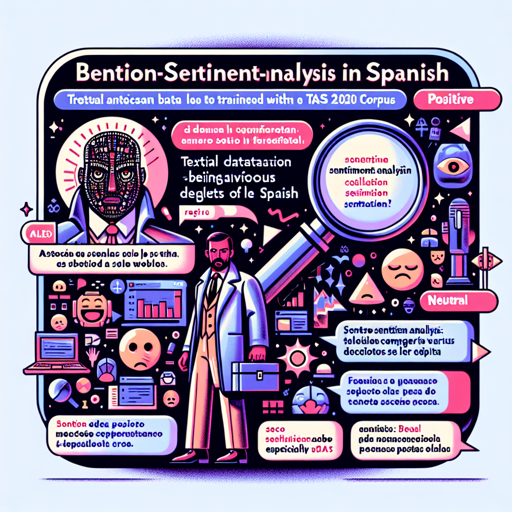
Are you looking to understand how to analyze sentiments in Spanish text? Whether it’s tweets or other forms of social media, sentiment analysis has become an indispensable tool for gauging public opinion, brand feedback, and much more. In this article, we’ll explore the Beto-Sentiment-Analysis model, a powerful tool made for this very purpose. Let’s break it down in a user-friendly way!
What is Sentiment Analysis?
Sentiment analysis is like being a detective in the world of text. It involves examining words to determine the feelings behind them – are they positive, negative, or neutral? This can help businesses understand customer opinions or researchers analyze public sentiment on social topics.
Meet Beto-Sentiment-Analysis
The Beto-Sentiment-Analysis model is trained with the TASS 2020 corpus, containing around 5,000 tweets from various dialects of Spanish. This model uses labels such as POS (Positive), NEG (Negative), and NEU (Neutral) to categorize sentiments. Built on the BERT architecture, Beto provides robust performance for text analysis in Spanish.
Getting Started with Beto-Sentiment-Analysis
Follow these simple steps to start using the Beto-Sentiment-Analysis model:
- Step 1: Install the pysentimiento library from GitHub.
- Step 2: Load the Beto model in your Python environment.
- Step 3: Input your Spanish text (tweets, reviews, etc.) into the model.
- Step 4: Retrieve and analyze the sentiment results, interpreting them based on the provided sentiment labels.
Code Example for Beto-Sentiment-Analysis
The following code illustrates how you can implement the Beto-Sentiment-Analysis model, much like conducting a cooking recipe:
from pysentimiento import SentimentAnalyzer

# Initialize the sentiment analyzer with Beto
analyzer = SentimentAnalyzer("BETO")

# Input your Spanish text (like a recipe's ingredient)
text = "¡Me encanta el nuevo producto que he probado!"

# Analyze the sentiment (the cooking process)
result = analyzer.predict(text)

# Output the result (the final dish)
print(result)
Troubleshooting
While using Beto-Sentiment-Analysis, you might encounter issues. Below are some common hurdles and their solutions:
- Issue: Unable to install the library.
- Solution: Check your Python version and ensure that pip is up-to-date.
- Issue: Model fails to predict sentiment.
- Solution: Ensure that the input text is adequately formatted in Spanish. Minor grammatical errors can confuse the model.
- Issue: Receiving no output after analysis.
- Solution: Inspect your variable naming and consistency in the code. Also, ensure your text isn’t empty!
For more insights, updates, or to collaborate on AI development projects, stay connected with fxis.ai.
Conclusion
Sentiment analysis with Beto can open up new avenues for understanding social media interactions in Spanish. Its ease of use makes it suitable for beginners as well as experts in the field.
At fxis.ai, we believe that such advancements are crucial for the future of AI, as they enable more comprehensive and effective solutions. Our team is continually exploring new methodologies to push the envelope in artificial intelligence, ensuring that our clients benefit from the latest technological innovations.