
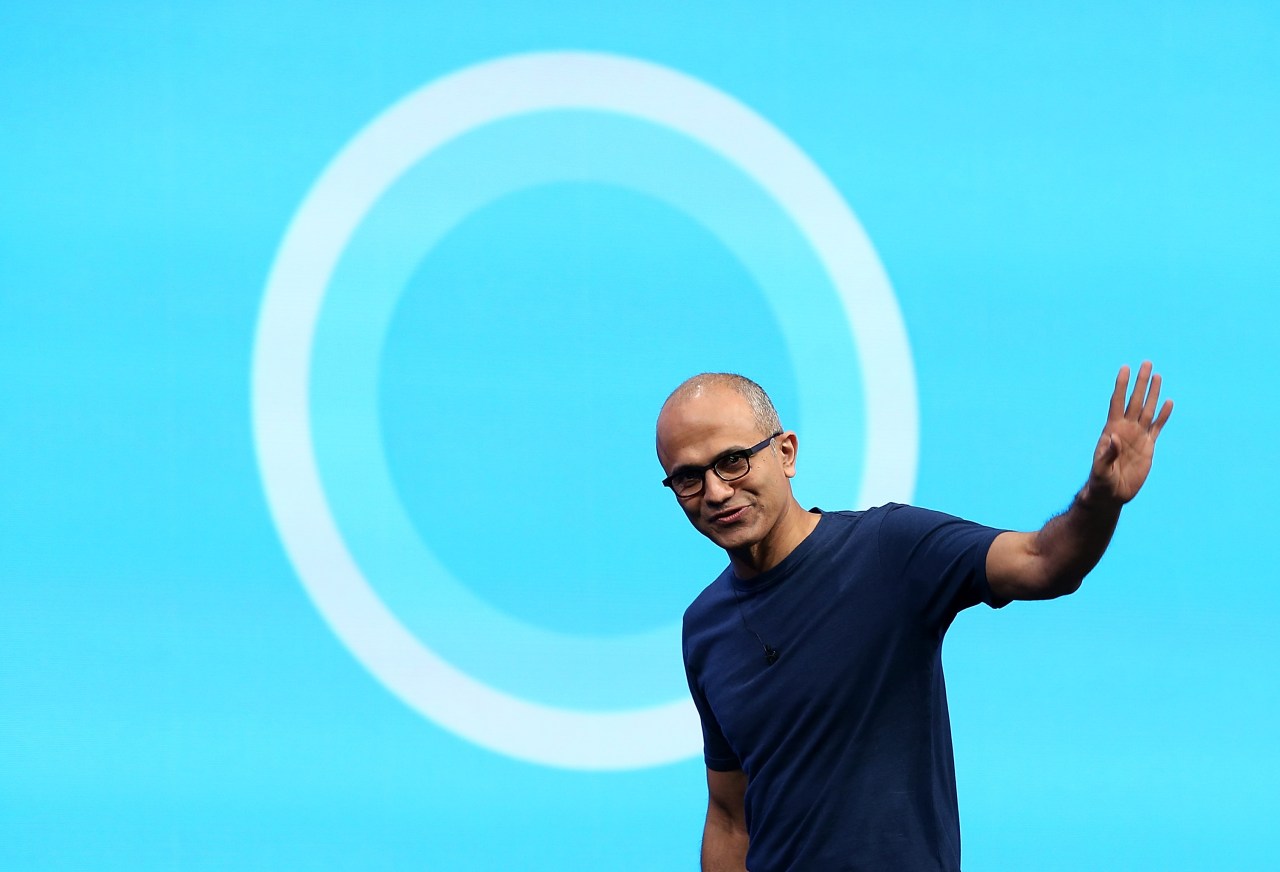
With the continuous evolution of technology, AI-driven tools are finding their footing in various arenas. Microsoft’s Cortana has ventured from its early days as a consumer-focused virtual assistant to a robust productivity tool aimed at business users. In light of recent updates, Microsoft is channeling its resources into rebranding Cortana as a “personal productivity assistant” within Microsoft 365, showcasing a shift in purpose that aligns with modern business needs.
New Features Tailored for the Business Environment
At the Ignite conference, Microsoft revealed several exciting features for Cortana, specifically designed to enhance productivity in professional landscapes. These updates not only emphasize the importance of seamless collaboration but also showcase the unique functionalities that cater to the ever-evolving demands of the workplace.
1. Cortana for Teams Displays
- Microsoft has introduced Cortana integration within new Teams displays. Think of these as dedicated smart displays that enhance the meeting experience.
- These displays, launching in partnership with various hardware vendors, are designed to facilitate team collaboration with a focus on meetings, essentially resembling Google Assistant-enabled devices but tailored for business settings.
- The service will initially be available in English across the U.S., with future rollouts planned for Australia, Canada, the U.K., and India.
2. Touchless Experience with Teams Rooms
As we transition back to office environments, the need for hygiene and safety becomes paramount. To address this, Cortana is set to be integrated into Teams Rooms devices, allowing users to engage with technology without physical interaction, addressing common concerns about shared workspaces.
3. Enhanced Email Capabilities
- The “Play My Emails” feature enables Cortana to read emails aloud, an essential function that promotes efficiency—especially for busy professionals.
- Available now on iOS and Android platforms in select regions, it will soon expand its geographical reach.
- Furthermore, Cortana will soon allow Outlook for iOS users to interact with their inbox vocally, making it easier to initiate calls or access emails from specific senders directly.
Cortana as Your Personal Executive Assistant
The capabilities of Cortana do not end with emails; daily briefing emails for Microsoft 365 Enterprise users represent one of the many advancements designed to streamline daily tasks. This feature integrates seamlessly with tools like Microsoft To Do, emphasizing the assistant’s role in helping professionals manage their time efficiently while staying organized.
Future Developments on the Horizon
Microsoft is continuously refining Cortana’s interactions on Windows 10, aiming to provide a chat-based interface that allows users to compose emails or perform other tasks through voice activation. These enhancements reinforce the belief that an AI-powered assistant can significantly boost productivity by minimizing the cognitive load on employees.
Conclusion: A New Path for Cortana
Cortana’s rebranding as a business-focused productivity assistant signals a refreshing shift in Microsoft’s approach to AI integration in the workplace. By focusing on tools that foster collaboration and streamline communication, Microsoft is paving the way for a more intelligent interaction ecosystem in professional environments. As workforce dynamics evolve, the relevance and utility of tools like Cortana will undoubtedly become focal points in optimizing productivity.
At **[fxis.ai](https://fxis.ai/edu)**, we believe that such advancements are crucial for the future of AI, as they enable more comprehensive and effective solutions. Our team is continually exploring new methodologies to push the envelope in artificial intelligence, ensuring that our clients benefit from the latest technological innovations.
For more insights, updates, or to collaborate on AI development projects, stay connected with **[fxis.ai](https://fxis.ai/edu)**.