
The world of artificial intelligence is forever evolving, and one of the fascinating tools created in this realm is the CLIP model by OpenAI. In this article, we’ll guide you through the ins and outs of using CLIP for image classification in a zero-shot manner. We’ll break down complex concepts and provide troubleshooting tips to ensure a smooth user experience.
What is CLIP?
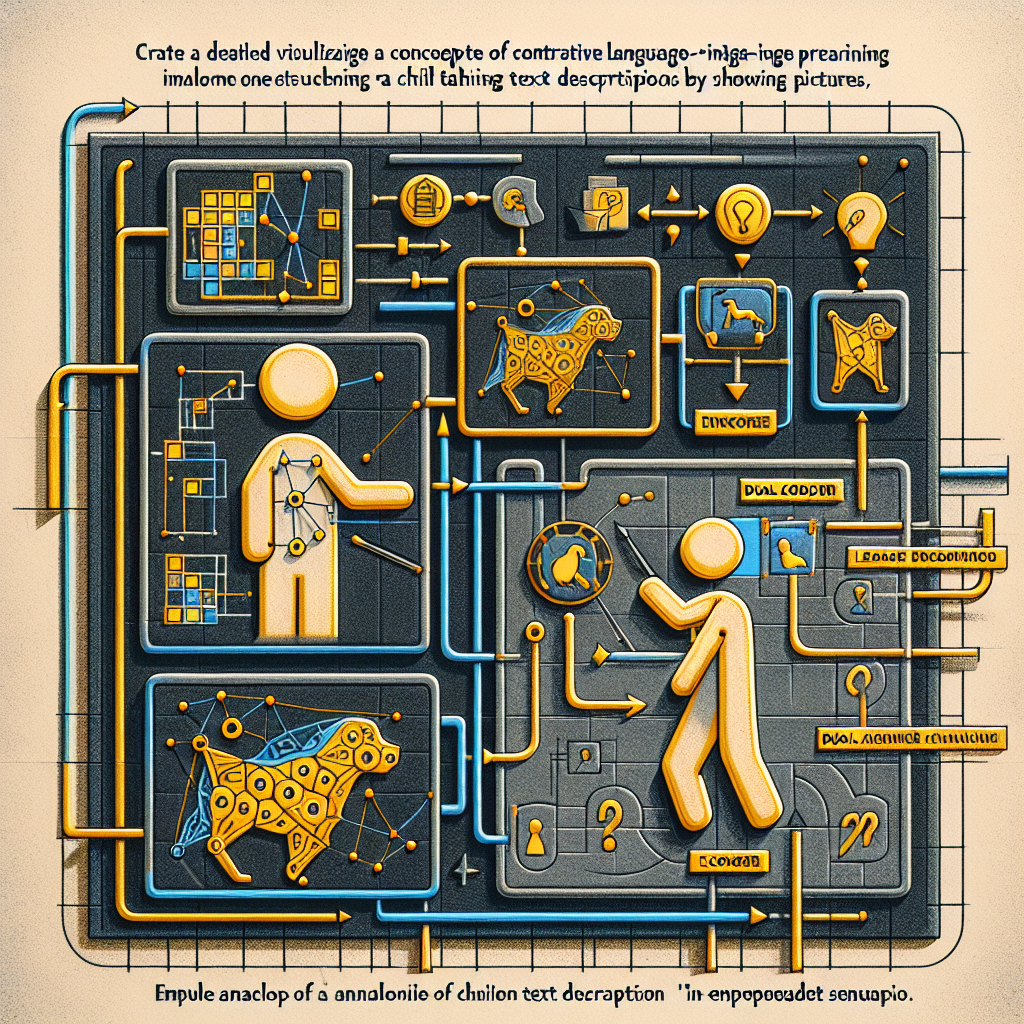
CLIP, or Contrastive Language-Image Pre-training, is a model developed to understand and categorize images based on textual descriptions. Imagine teaching a child to identify animals by showing them pictures while telling them what the animals are — that’s precisely the essence of CLIP! It learns to associate images with text, thereby enabling it to classify pictures without being explicitly trained on specific categories.
How Does CLIP Work?
At its core, CLIP employs a dual-encoder architecture, reminiscent of a two-person interpretative dance. One dancer interprets the visual language of images (the image encoder), while the other rhythmically translates the verbal language of text (the text encoder). Both dancers aim to mirror each other’s movements, learning to maximize the similarity of (image, text) pairs through a contrastive loss function.
Understanding the Code
Here’s a snippet to get you started with CLIP:
from PIL import Image
import requests
from transformers import CLIPProcessor, CLIPModel

model = CLIPModel.from_pretrained("openai/clip-vit-large-patch14")
processor = CLIPProcessor.from_pretrained("openai/clip-vit-large-patch14")

url = "http://images.cocodataset.org/val2017/000000039769.jpg"
image = Image.open(requests.get(url, stream=True).raw)

inputs = processor(text=["a photo of a cat", "a photo of a dog"], images=image, return_tensors="pt", padding=True)
outputs = model(inputs)

logits_per_image = outputs.logits_per_image  # this is the image-text similarity score
probs = logits_per_image.softmax(dim=1)      # we can take the softmax to get the label probabilities
Imagine the code above as preparing a meal. You gather ingredients (import libraries and load data), mix them together (process text and images), cook them (run the model), and finally, serve the meal (extract probabilities) to your guests (interpret the results).
Getting Started with CLIP
Intended Use
CLIP is primarily intended for AI researchers interested in zero-shot image classification. It is important to mention that while CLIP is powerful, it is not designed for commercial deployment without extensive testing.
How to Use CLIP
1. Install Required Packages: Make sure you have the necessary libraries. You can install them using pip.
“`bash
pip install transformers Pillow requests
“`
2. Load the Model: Use the code snippet provided to load the CLIP model.
3. Input Your Image and Labels: Replace the input URL and labels with your desired text descriptions.
4. Get the Results: Run the code and check the probabilities to see how well CLIP understands your image!
Troubleshooting Common Issues
While exploring the wonders of CLIP, you might encounter a few bumps along the road. Here are some common issues and tips to address them:
– Model Not Found: Ensure you have internet access, as the model is loaded from an online repository.
– Image URL Issues: Make sure the image URL is correct and accessible. Try using a different URL if necessary.
– Data Type Errors: Ensure that you are feeding the model the expected data types, particularly in terms of tensor dimensions.
For more troubleshooting questions/issues, contact our fxis.ai data scientist expert team.
Conclusion
The CLIP model opens new pathways in image classification, making it a valuable asset for researchers in the world of computer vision. By leveraging this powerful tool, you can explore a variety of image understanding tasks and draw insights that contribute to further advancements in AI technologies. So gather your coding ingredients, and start creating wonders with CLIP!