
Welcome to an engaging exploration of how to utilize the LastpieceCore model for generating captivating AI art. In this article, we’ll dive deep into its unique features, recommended settings, and some troubleshooting tips to help you navigate any hiccups on your journey. Let’s get started!
Understanding the LastpieceCore Models
The LastpieceCore models, such as LastpieceCoreXL_A0897, are built on the foundation of the Stable Diffusion XL (SDXL) framework. Imagine these models like a well-constructed building, where the SDXL base forms the core structure, and the additional training enhances the aesthetics and detail. The creators have meticulously merged various models to create a visually stunning output that retains the essence of original art styles while improving color reproduction and details.
Getting Started: Installation and Configuration
First, ensure you have the necessary libraries and dependencies installed. Then, set up the models following the below steps:
- Download the model and its associated files from the provided links.
- Configure the settings in your AI art generation tool or environment.
- Familiarize yourself with the recommended settings for optimal output.
Recommended Settings for Best Results
To achieve the optimal performance of the LastpieceCore models, use the following settings:
- Sampler: DPM++ 2M Karras
- Steps: 30 – 35
- CFG Scale: 10 – 11
- Denoising Strength: 0.6 – 0.65
- Clip Skip: 2
- Hires Upscale: 2
- VAE: [Lastpiece VAE](https://huggingface.co/konapieces/LastpieceCoreXL/blob/main/vae/lastpiece.xl.vae.safetensors) (ensure to download and link accordingly)
Creating Stunning Art: Prompts
When crafting prompts, clarity and vivid imagery enhance the output. Here’s a sample prompt you can modify to suit your creative vision:
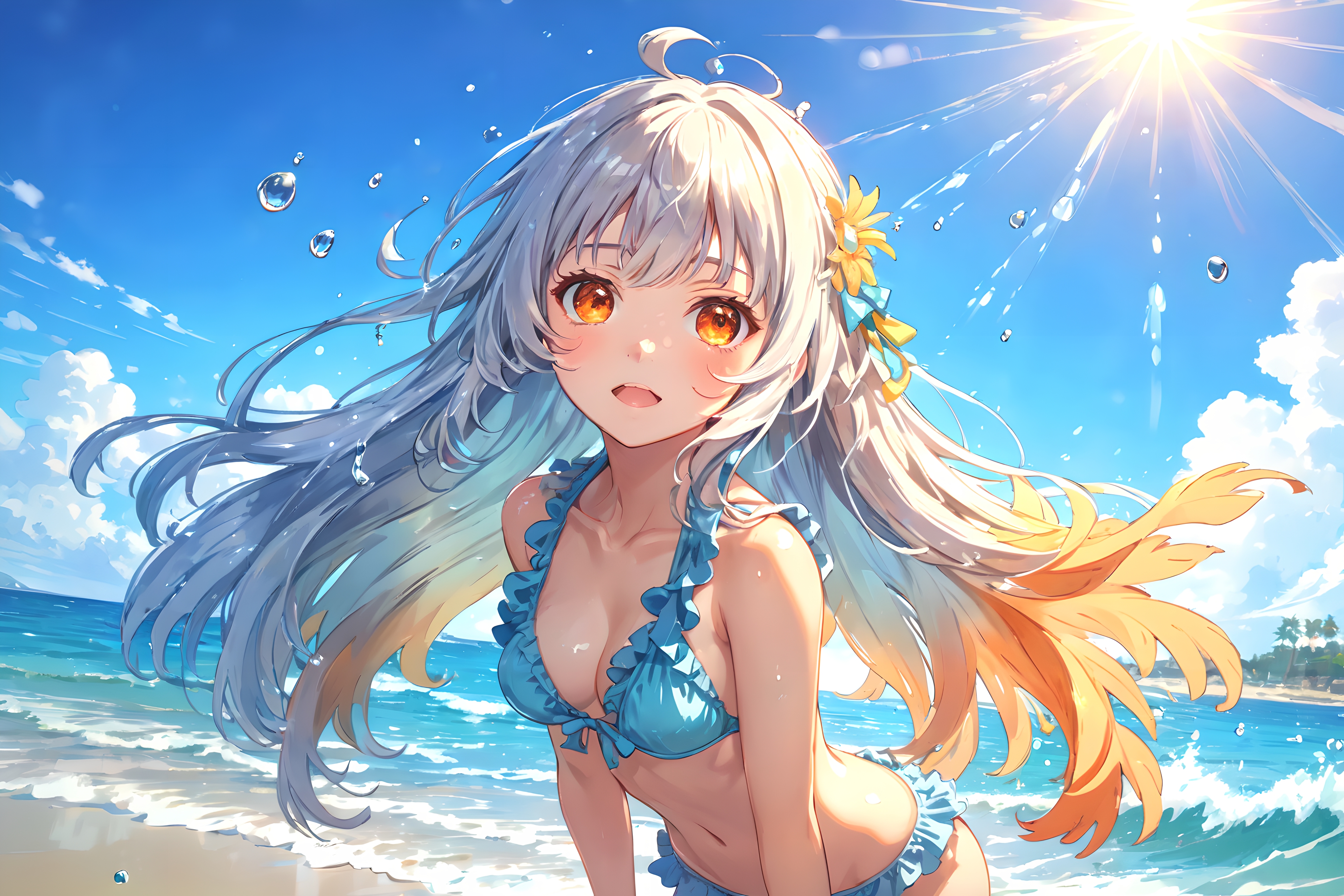
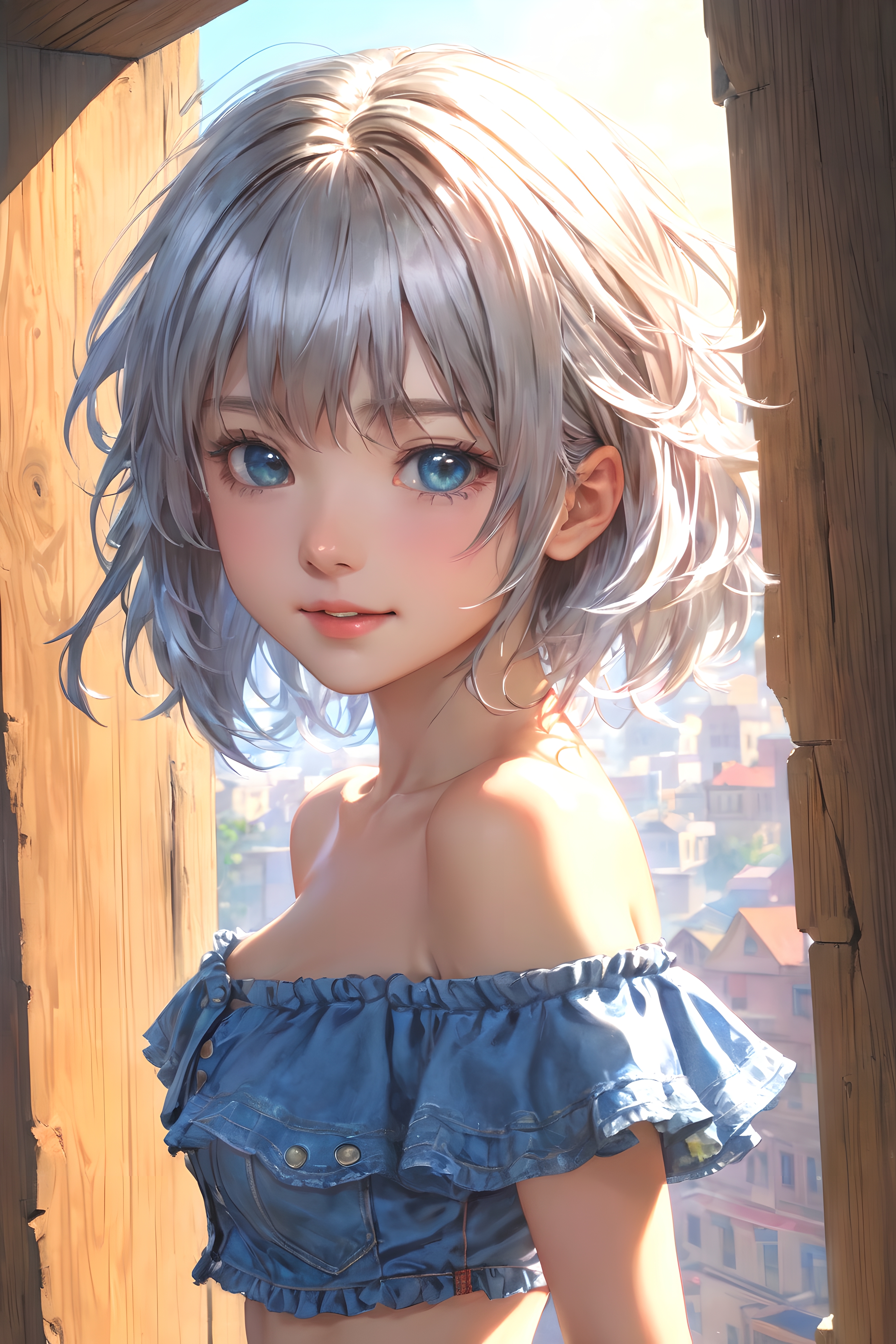
best quality, masterpiece, beautiful detailed glow, textile shading, highres, dynamic lighting, intricate detail, (1 girl, solo:1.3), [happy], silver hair, bathing, (outdoor, daytime)Feel free to customize the variables to generate different character styles, settings, and moods.
Visual Output Samples
Here are a couple of successful visual outputs generated using the LastpieceCore models:
Troubleshooting Tips
If you encounter issues during installation or while generating images, here are some troubleshooting ideas:
- Ensure that all file paths are correctly set and accessible in your environment.
- Double-check the version compatibility of the model with the libraries you are using.
- If the output quality is lower than expected, revisit your prompt settings and adjust the CFG scale or denoising strength.
- For persistent issues, consult the community or your service provider for support.
For more insights, updates, or to collaborate on AI development projects, stay connected with fxis.ai.
Conclusion
At fxis.ai, we believe that such advancements are crucial for the future of AI, as they enable more comprehensive and effective solutions. Our team is continually exploring new methodologies to push the envelope in artificial intelligence, ensuring that our clients benefit from the latest technological innovations.
By understanding how to harness the LastpieceCore models effectively, you can bring your creative visions to life with ease. Happy creating!