

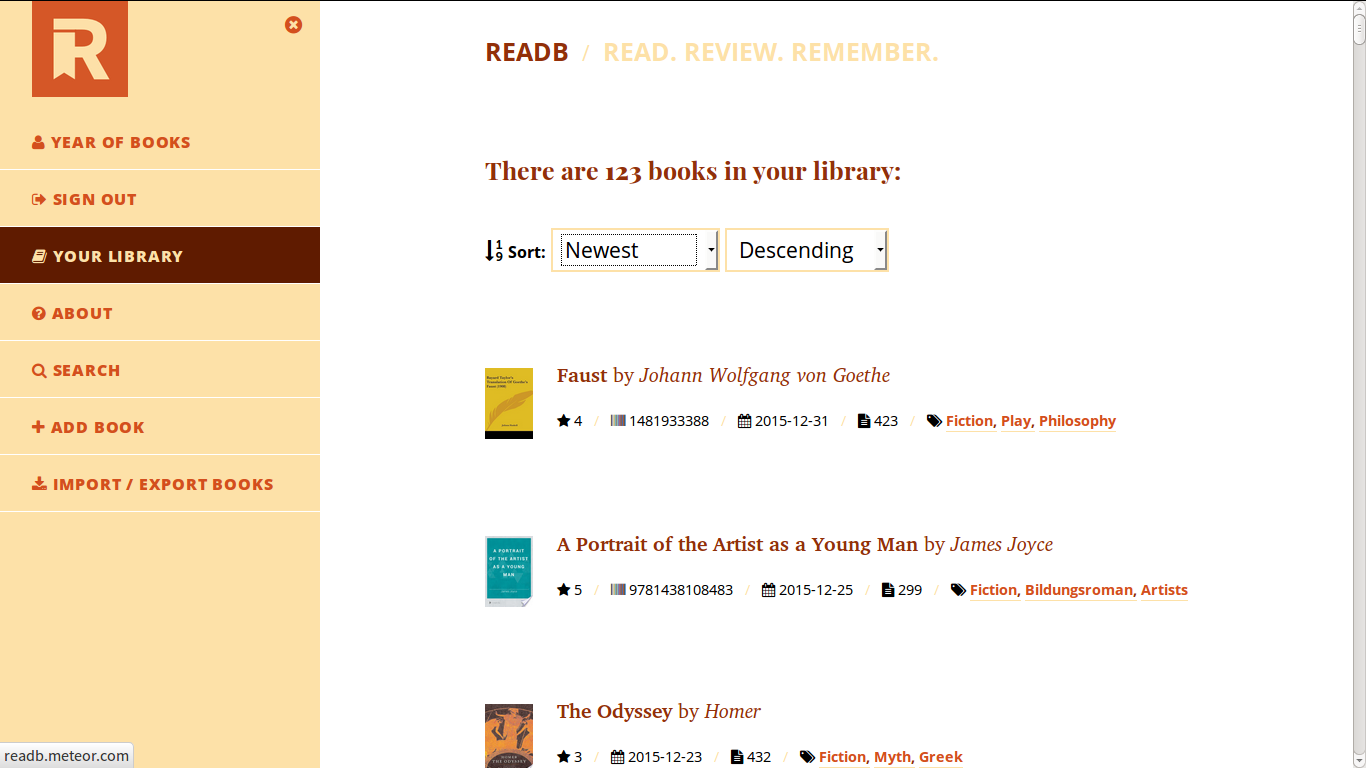
In an age where our reading habits often intertwine with technology, finding a trustworthy platform to manage our personal library can feel like searching for a needle in a haystack. Enter ReaDB, a privacy-aware, self-hosted, open-source alternative to proprietary services like Goodreads and LibraryThing. This platform aims to cater to readers who want to keep track of their reading journey without sacrificing privacy.
Who is ReaDB for?
ReaDB is designed for anyone who reads more than five books a year and wants to keep an organized record of what they read, including their insights and reflections on each book. Whether you are a casual reader or an avid bibliophile, ReaDB can serve your needs.
Why Should You Use ReaDB?
While platforms like Goodreads provide numerous features, they often prioritize social interaction over the reading experience itself. ReaDB focuses solely on the user—your books and your insights. It offers a streamlined approach without the clutter of excessive features or privacy concerns typical of bigger platforms that track your every move. It understands that sometimes less is more.
What Does ReaDB Do?
ReaDB allows users to find and track their books while maintaining complete control over their reading summaries, reflections, and data. It can pull data from the Google Books API, enabling you to enrich your database effortlessly. Simply put, think of ReaDB as your personal librarian, keeping everything organized and accessible just for you.
How to Use ReaDB
Using ReaDB is straightforward. Here’s how you can set it up, just like setting up a cozy reading nook in your home:
- Start by installing Meteor on your machine and log in.
- Next, clone the ReaDB repository using the following command:
git clone https://github.com/Curiositry/ReaDBcd readbmv settings.example.json settings.jsonmeteor --settings settings.jsonmeteor deploy your-readb-instance.meteor.comTroubleshooting Your ReaDB Experience
If you encounter issues while setting up or using ReaDB, here are some common troubleshooting tips:
- Cannot access localhost: Make sure the directory is properly set and that Meteor is running.
- API problems: Double-check your Mandrill API credentials and ensure they are entered correctly in the configuration file.
- Data not loading: Verify that you have a stable internet connection and that the Google Books API is not experiencing downtime.
For additional help or to collaborate on AI development projects, stay connected with fxis.ai.
At fxis.ai, we believe that such advancements are crucial for the future of AI, as they enable more comprehensive and effective solutions. Our team is continually exploring new methodologies to push the envelope in artificial intelligence, ensuring that our clients benefit from the latest technological innovations.
In Summary
ReaDB offers a unique solution for the modern reader, deftly combining privacy and practicality. By following the simple steps outlined above, you can ensure that your reading experience is as delightful and enriching as the stories that fill your shelves.